A strong Twitch concept should work twice, first as a satisfying live experience, then as a source of self-contained clips. That matters on a platform estimated to reach about 240 million monthly active users and 35 million daily active users in 2026, with annual viewing estimated near 19.2 billion hours in 2025 according to industry Twitch statistics. The audience is enormous, but a stream that only makes sense to people who watched the full broadcast has limited reach beyond Twitch.
The most useful Twitch stream ideas create a clear premise, visible tension, and a payoff that can stand alone in a vertical feed. This list covers competitive gameplay, personality-led shows, VTubing, creative work, collaboration, education, and IRL content. Each format includes an episode setup and a practical plan for vertical reframing, captions, distribution, and repeatable short-form output.
StreamGen can support that workflow by finding moments in long VODs, reframing them for vertical video, adding captions, removing dead air, and scheduling posts across TikTok, YouTube Shorts, and Instagram Reels. The objective isn’t to turn every second of a broadcast into content. It’s to design broadcasts that reliably produce moments worth sharing.
Table of Contents
- 1. Competitive Gaming and Esports Tournaments
- 2. Just Chatting and Personality-Driven Content
- 3. VTuber and Avatar-Based Roleplay Streams
- 4. Speedrunning and Skill-Based Challenges
- 5. Educational and Skill-Building Streams
- 6. React Content and Commentary Streams
- 7. Creative and Art-Based Streams
- 8. Co-Streaming and Group Gaming Formats
- 9. IRL and Travel Streams
- 10. Variety and Randomized Game Rotation Streams
- 10 Twitch Stream Ideas Comparison
- Turn One Live Session Into a Repeatable Content Engine
1. Competitive Gaming and Esports Tournaments
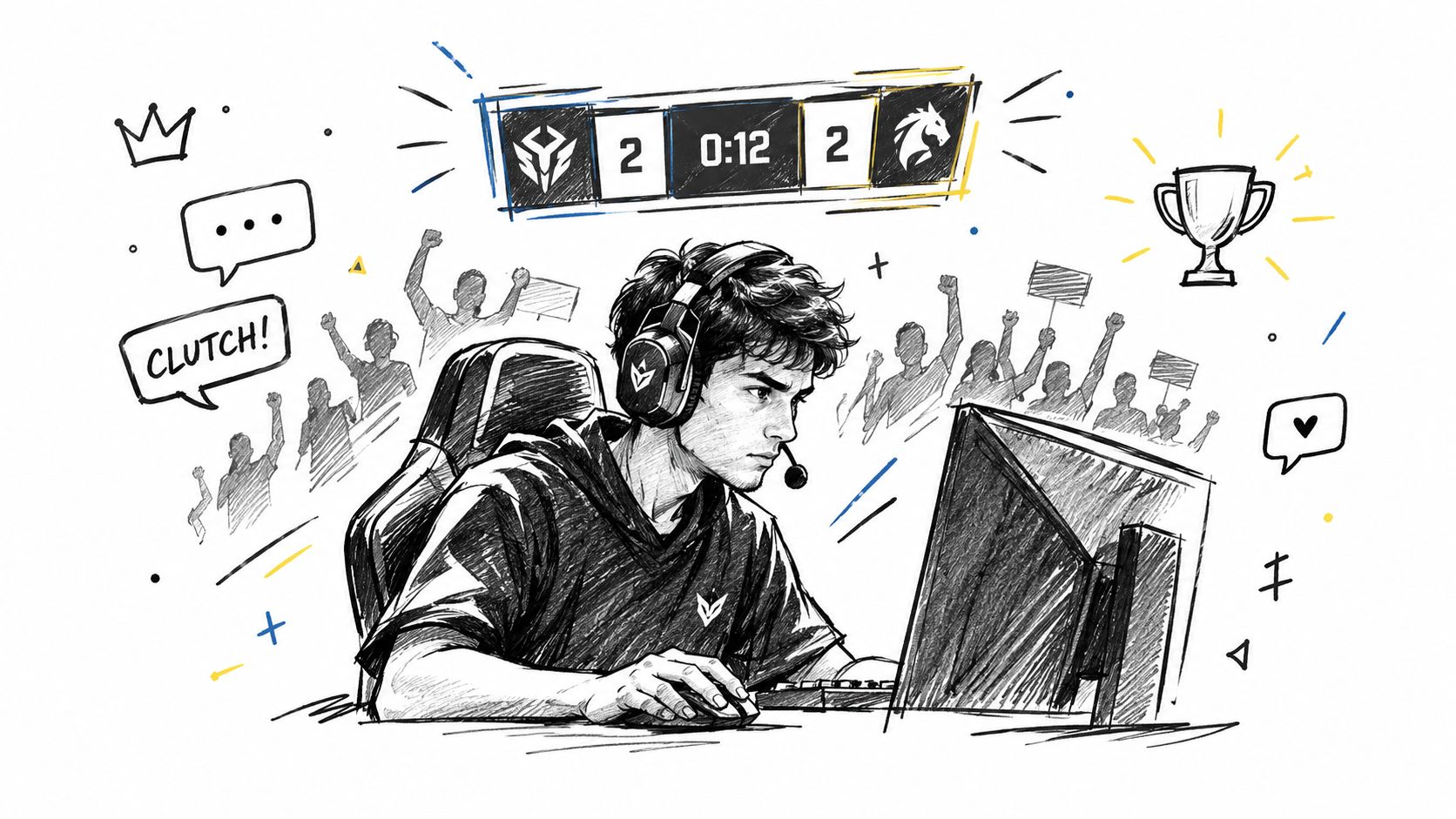
Competitive streams already contain a natural clip structure. A round begins, the pressure rises, a player makes a decision, and the result arrives quickly. A ranked promotion match, an esports watchalong, a scrim, or a speedrunning competition can all produce clutches, reversals, team coordination, and emotional reactions that viewers understand without much explanation.
The challenge is discoverability. One 2026 industry summary estimates that around 7 million unique channels go live each year, with roughly 92,000 channels broadcasting on an average day and a median live channel of 26 viewers. The same analysis identifies categories with approximately 500 to 2,000 live channels as a potential discovery opportunity for smaller creators, particularly when the format has a clear hook. See this streaming ideas analysis for the underlying category guidance.
Build around the decisive moment
Use a title that frames the broadcast as a specific test, such as a ranked climb, a tournament prediction, or a restricted challenge. During setup, keep the scoreboard, player names, and round state visible. When converting a clip, crop tightly enough to preserve the action while keeping the facecam and result readable.
StreamGen’s AI Clip Finder can prioritize audio spikes and chat surges around a clutch. The editor can remove downtime between rounds, add team and opponent names to captions, and apply word censoring before export. A practical workflow is to create one clean highlight for the player’s channel, another version tagging teammates or opponents, and a shorter reaction cut for fast-scrolling feeds. Schedule regional variations rather than publishing every clip at once.
For more channel positioning ideas, use this guide to improve Twitch streaming.
2. Just Chatting and Personality-Driven Content
A personality stream doesn’t need a game to create structure. The episode can revolve around a viewer-submitted dilemma, a reaction to a public announcement, a story from the creator’s life, or a debate with chat. The strongest clips usually contain a clear opinion, a surprising confession, a sharp joke, or an authentic emotional turn.
Start with a visible prompt. Put the question or topic on screen, establish the creator’s position early, and invite chat to challenge it. That gives the audience a reason to participate and gives editors useful context when they later isolate a moment from a long conversation. A stream built around “chat decides which opinion survives” will generally produce more focused material than an open-ended broadcast with no recurring segment.

Make conversation legible without flattening it
Facecam framing matters more here than gameplay capture. Keep the face prominent, then use a smart layout for screenshots, submitted videos, or brief B-roll. Captions should preserve the speaker’s rhythm, not cover facial expressions or chat context. Animated captions in multiple languages can make a reaction easier to follow internationally, but translation should be reviewed when jokes depend on slang or cultural references.
StreamGen’s audio detection can surface laughs, gasps, and vocal peaks. Its AI title hooks can turn a conversation excerpt into a concise social headline, while reusable brand presets keep recurring segments visually consistent. Before posting, remove private details, verify that reaction footage can be used, and check whether the clip still makes sense without the original conversation.
A useful production rule is to record the premise in the first few seconds of each segment. That single sentence often becomes the opening caption and saves the editor from rebuilding context later. More practical ideas for involving viewers appear in this guide to Twitch chat streams.
3. VTuber and Avatar-Based Roleplay Streams
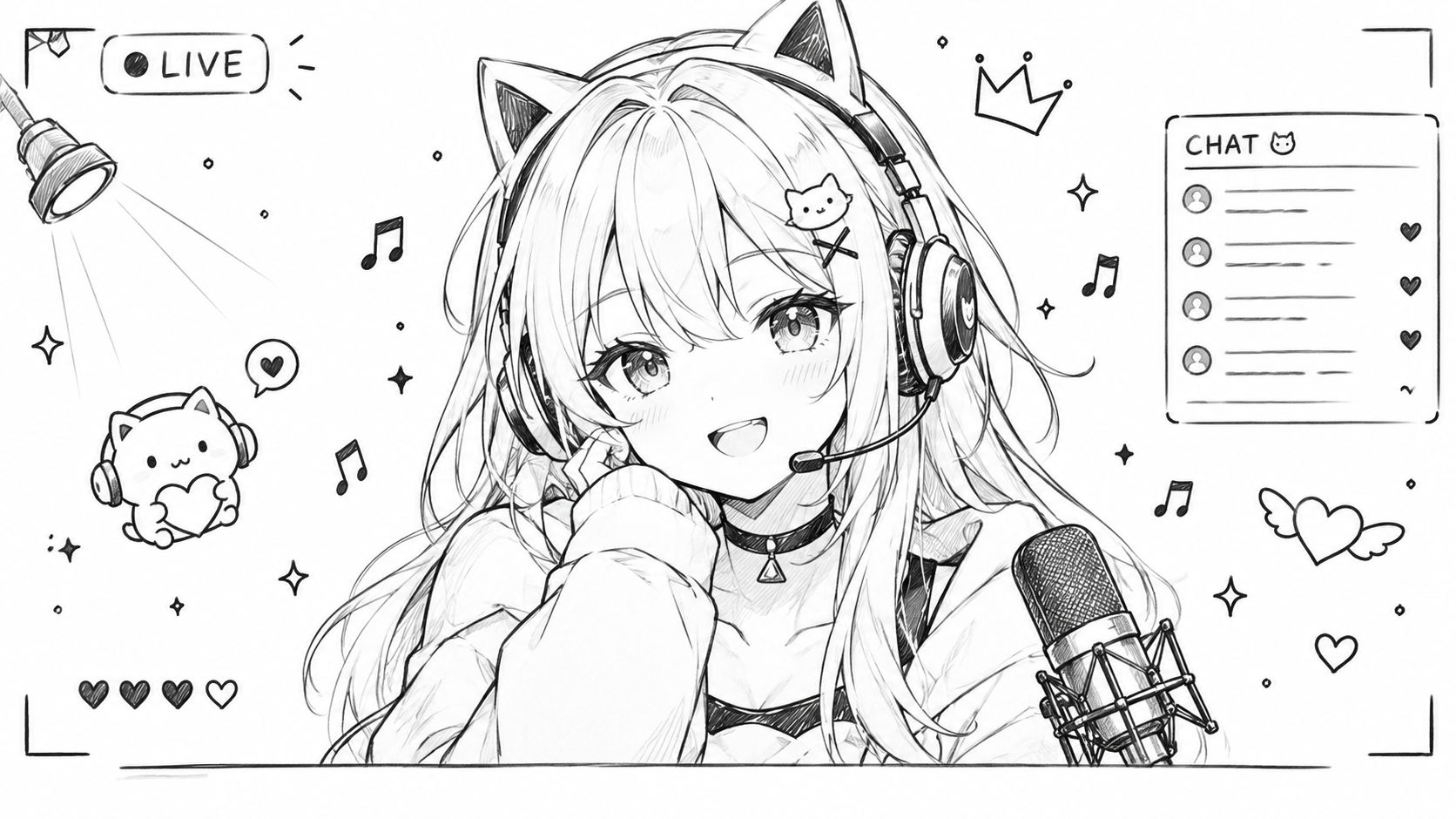
Avatar-led channels can create a repeatable character system rather than relying on the creator’s physical presence. The stream might follow a lore episode, a karaoke challenge, a game played in character, or a community trial where viewers decide whether the avatar’s fictional rule has been broken. The strongest clips come from character-consistent reactions, sudden breaks in composure, memorable voices, and moments that expand the channel’s mythology.
A good episode has a simple roleplay objective. For example, the avatar might attempt to negotiate with chat, protect a fictional kingdom during a game, or learn a song while maintaining a particular persona. That objective gives viewers a reason to return and gives short-form editors a recognizable beginning, escalation, and payoff.
Preserve the avatar’s visual identity
Vertical framing should keep the avatar centered while leaving clear space for captions. If the model moves widely, test the crop during a rehearsal so expressions and gestures don’t disappear at the edge of the frame. Use a reusable preset that matches the avatar’s palette, typography, and recurring on-screen symbols.
High-emotion audio is especially useful for VTuber clips. StreamGen can help identify singing peaks, laughter, sudden screams, or dramatic pauses, then add captions and word censoring for platform-safe exports. Multi-language captions can broaden reach, but names, invented lore terms, and stylized speech need manual review. A translated clip that changes the character’s personality can do more harm than a clip published in one language.
Character design also affects production efficiency. A fixed background, consistent caption position, and a small set of reaction overlays make each episode easier to package. Creators developing a new avatar can review this 3D character generation workflow, then build the streaming layout around the model’s most expressive features.
4. Speedrunning and Skill-Based Challenges
Speedruns and skill challenges make excellent clips because the audience knows what success looks like. The target might be a personal best, a no-hit attempt, a difficult boss, a rapid chess sequence, or a timed creative build. Every attempt has built-in tension, and failure can be as useful as success when the mistake is understandable and the reaction is strong.
Don’t make the viewer search for the stakes. Put the target, current time, attempt number, and remaining obstacle on screen. Explain unusual rules before the attempt begins, then keep commentary focused on decisions that a viewer can follow. A Dark Souls no-hit run, an Elden Ring route, or a Minecraft build under a time limit should feel like a sequence of compact episodes, even when the live session lasts much longer.
Edit for tension, not just speed
Silence removal can tighten the gap between attempts, but aggressive editing can make the achievement feel unearned. Keep enough setup to show the route, risk, or mistake. Captions can display a personal best, running time, or the exact condition that ended an attempt.
StreamGen’s AI Clip Finder can use audio spikes and chat activity to surface celebrations, gasps, and near-misses. The AI VOD Editor can remove loading screens and menu navigation before the editor selects the strongest attempts. For a vertical version, preserve the timer and the key gameplay area, then place the reaction in a secondary panel if the facecam adds emotional information.
Post a successful run quickly while the result is still relevant, but keep a second cut focused on the near-failure. Communities often share the moment when the runner almost loses control because it communicates the difficulty more clearly than a routine win.
5. Educational and Skill-Building Streams
Teaching streams work best when each broadcast answers a practical question. A coding session can solve one bug, an art stream can demonstrate a lighting technique, a producer can rebuild a drum pattern, and a language teacher can practice one conversational situation with chat. The clip mechanic is the aha moment, where a complicated task becomes understandable.
Begin each segment with the problem and the promised result. Keep the relevant code, canvas, instrument panel, or reference material large enough to survive a vertical crop. If the demonstration requires a wide desktop view, use a smart layout that prioritizes the active area and moves the facecam into a smaller but readable position.
Turn lessons into standalone clips
A short educational clip needs more context than a reaction clip. Caption the question, show the before state, and label the key action. A title such as “Three JavaScript fixes for this error” is more useful than a vague headline about coding. The same principle applies to drawing, music production, professional development, and language learning.
StreamGen’s AI Clip Finder can identify teaching moments and vocal emphasis, while animated captions can support multilingual distribution. Silence removal helps remove searching, setup, and tangents, but don’t cut the pauses where the viewer needs time to understand a step. Word censoring can make the final clip suitable for a broader educational audience.
Schedule lesson clips when the intended audience is likely to learn or practice, then connect each clip to a longer live session. A useful series should make the next broadcast obvious, such as a debugging clinic, critique session, or viewer-submitted exercise.
6. React Content and Commentary Streams
Reaction content only works when the creator contributes something beyond playback. That contribution might be specialist knowledge, a strong prediction, a comedic perspective, cultural context, or a thoughtful disagreement. If the source video remains the main attraction, the clip risks feeling like a repost with a facecam attached.
Choose material that gives the creator room to respond. A trailer can generate predictions, a product announcement can invite analysis, and a community submission can create a before-and-after critique. Establish the source and the question quickly, then pause when the important moment arrives. Viewers should understand why the reaction matters even if they haven’t seen the full source.
Copyright rule: A compelling reaction is not automatically permission to rebroadcast someone else’s work. Use material you have the right to show, keep commentary substantial, and check the relevant platform and rights requirements before publishing.
Cut around the insight
Smart layouts can balance the source and the creator, but the source shouldn’t dominate every frame. Crop to the face during the reaction, return to the relevant source detail for context, and use captions to highlight the prediction or explanation. Audio detection can find laughs, gasps, and vocal peaks, while word censoring helps prepare a version for broader distribution.
Timing matters more than volume. A reaction to a new trailer or announcement has a short window in which viewers are actively looking for commentary, so prepare the vertical template before going live. Link or identify the original content in the post where appropriate, and don’t imply that the creator produced the source material.
7. Creative and Art-Based Streams
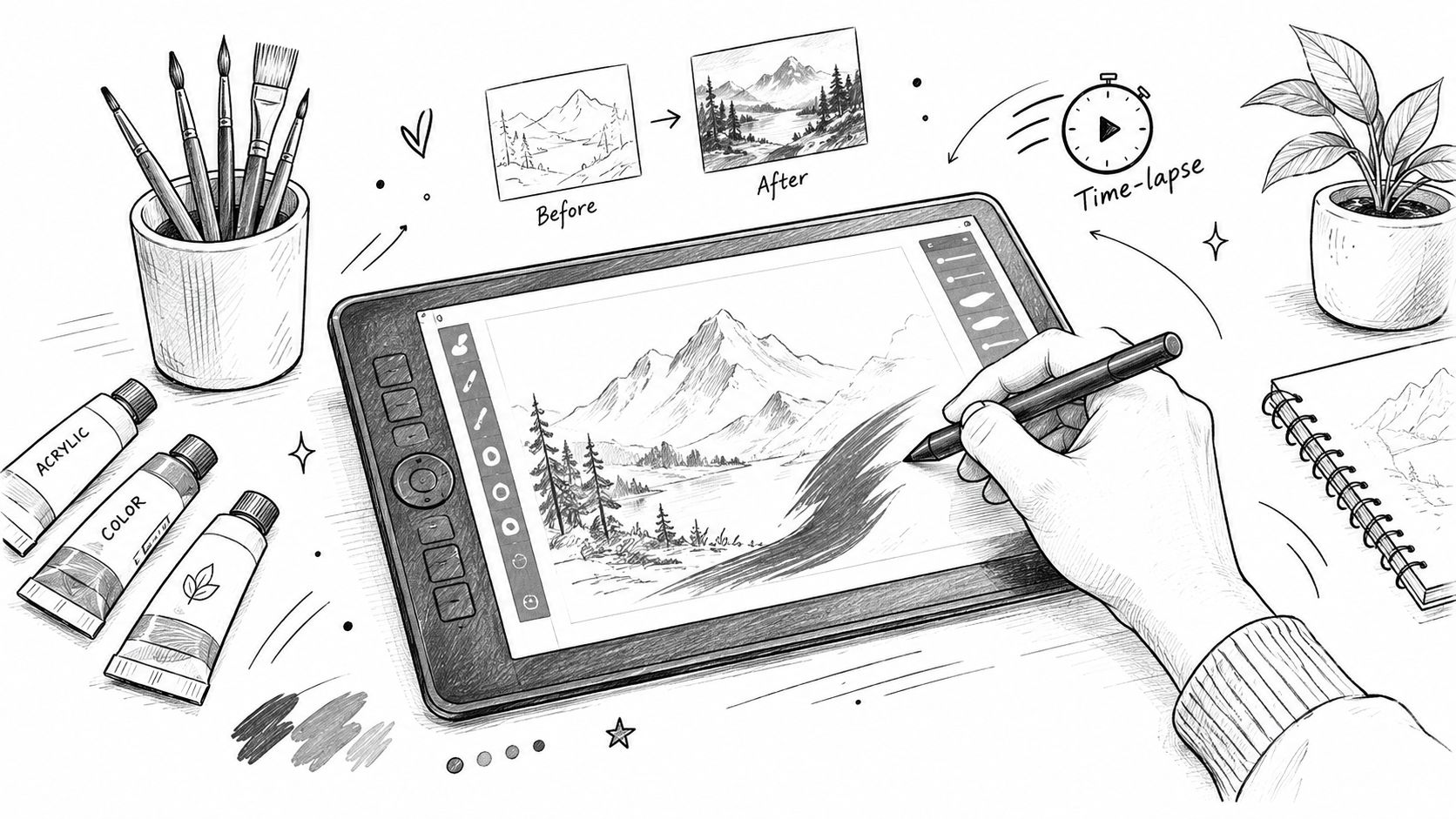
Creative broadcasts earn attention through transformation. A blank canvas becomes a finished illustration, a rough beat becomes a track, a blockout becomes a game environment, or a simple 3D model receives final textures. Viewers stay engaged because each choice visibly changes the work.
Build every episode around a deliverable. “Design a storm scene from three viewer prompts” gives chat a clear role, while “work on art” does not. Show the reference, set the constraints, and limit audience input to one or two meaningful decisions so interaction does not derail the project.
Capture the transformation
Design the layout for vertical reframing before the broadcast starts. Give the canvas or timeline the largest area, keep the facecam visible when the artist’s reaction adds context, and leave enough space for captions identifying the tool, technique, or constraint. Before revealing the finished piece, hold a clean pause so viewers can register the change.
The strongest clips usually have three beats: the starting point, a technique or decision, and the reveal. StreamGen can identify color reveals, completion moments, and strong audio peaks. Silence removal helps with music production, but preserve quiet sections when they form part of the musical build. The AI VOD Editor can extract time-lapse material from long sessions, and brand presets can keep exported clips consistent with the artwork.
Publish separate cuts for each beat instead of forcing the entire process into one edit. Reframe the reveal for vertical platforms, add readable captions, and adapt the opening line for each platform. This workflow turns one project into several short videos while keeping the pacing and audience fit clear.
8. Co-Streaming and Group Gaming Formats
Group streams create clip material through relationships. A coordinated play, a misunderstanding, a synchronized reaction, and a last-second betrayal can all work, but viewers need to know who is speaking and why the moment matters. The format is particularly effective for games such as Among Us, poker, Valorant, Mario Party, and other social or competitive group experiences.
Give the session a shared premise. The group might compete in teams, let chat assign handicaps, or play a game-show-style rotation. Set rules before going live and agree on recording permissions, tagging, and clip usage. Coordination isn’t glamorous, but it prevents disputes when one moment becomes useful to several channels.
Make multi-person clips readable
Use split-screen layouts only when each panel remains legible. Otherwise, switch between the active speaker and a wider group view. Add names, team colors, scores, or roles to captions, especially when viewers may encounter the clip without knowing the participants.
StreamGen’s AI Clip Finder can surface synchronized laughter, group reactions, and competitive peaks. A pre-edited VOD can remove long lobby sections while preserving the setup that explains the joke. Word censoring can make group banter easier to distribute, but every participant should review the final cut for context and consent.
Tag collaborators in the post and prepare shared versions where appropriate. A co-stream has more distribution options than a solo broadcast, but it also has more audience overlap and more opportunities for inconsistent edits. Agree on the central clip, the preferred caption, and the publication timing before the session ends.
9. IRL and Travel Streams
IRL content earns attention through novelty and uncertainty. A street interview, convention walkthrough, outdoor challenge, travel decision, or unexpected encounter can create a moment that feels impossible to script. The best episodes still need a premise, such as finding a local dish recommended by chat, documenting an event from a particular perspective, or completing a route with audience decisions.
Public streaming adds responsibilities that don’t apply in a studio. Avoid exposing private individuals, identifiable personal information, or restricted locations. Secure permission when someone becomes a meaningful part of the clip, and be prepared to cut a moment even if it performed well live. Safety, consent, and local rules matter more than a potentially viral interaction.
Preserve place and context
A vertical edit should show both the creator and the environment. Use a smart layout that keeps the face visible while retaining signs, scenery, or the relevant interaction. Captions can identify locations, translate short conversations, and explain what happened immediately before the reaction.
Audio cleanup is often necessary because traffic, wind, and crowds can obscure speech. StreamGen’s AI Clip Finder can help locate emotional moments, crowd responses, and surprising encounters, while silence removal can shorten travel gaps. Word censoring is useful when public conversations become unpredictable, but it isn’t a substitute for editorial judgment.
IRL clips often suit mobile browsing periods because viewers can watch them without needing a large screen. Still, the main advantage is narrative immediacy. Open with the question or destination, show the complication quickly, and finish on a clear response rather than a long walk back to the hotel.
Industry reporting has also described growth in non-gaming live content, including Just Chatting and IRL, within a broader live-streaming market. The 2025 live-streaming report provides that wider context.
10. Variety and Randomized Game Rotation Streams
Variety becomes easier to follow when the randomness has rules. Chat can vote on the next game, a wheel can select a genre, or each broadcast can follow a fixed rotation such as one new indie title, one competitive match, and one community game. The point isn’t to play everything. It’s to make the selection itself part of the show.
Put the selection mechanic on screen and give each game a clear test. “Can this obscure horror game make me quit?” creates a stronger clip premise than just opening an unfamiliar title. Capture the first impression, the first major obstacle, and the final verdict. Viewers can then understand the segment without watching the entire rotation.
Turn variety into a series
Transitions are where these streams often lose energy. Prepare scenes, game titles, category labels, and a short explanation of the next challenge before changing software. Silence removal can tighten the gaps, while captions should identify each game and preserve the creator’s immediate reaction.
StreamGen’s AI Clip Finder can surface first impressions, game transitions, surprise mechanics, and success moments. Smart layouts can keep the current title visible, and word censoring can prepare reaction clips for distribution across multiple platforms. Instead of posting every game in one batch, schedule the strongest moment from each segment across several days.
A recurring series also helps the audience decide what to expect. “Random Game Court,” “Indie First Look,” or “Chat’s Worst Recommendation” gives variety a recognizable identity. Use this video repurposing workflow to turn each rotation into a deliberate set of platform-specific posts.
10 Twitch Stream Ideas Comparison
| Stream Type | Implementation Complexity 🔄 | Resource Requirements ⚡ | Expected Outcomes ⭐ 📊 | Ideal Use Cases 💡 | Key Advantages |
|---|---|---|---|---|---|
| Competitive Gaming & Esports Tournaments | High 🔄🔄🔄, match coordination, overlays, rights | Medium‑High ⚡⚡⚡, capture rigs, multi-source feeds, rights management | Very High ⭐⭐⭐⭐ · Viral highlight density 📊 | Tournament highlights, clutch compilations, org promos | Abundant shareable moments; cross-team audience growth |
| Just Chatting & Personality-Driven Content | Low‑Medium 🔄🔄, minimal setup, moderation needed | Low ⚡, webcam, mic, stable stream | Very High ⭐⭐⭐⭐ · Strong engagement & shareability 📊 | Reaction clips, story highlights, comedic moments | No gameplay copyright; high parasocial engagement |
| VTuber & Avatar-Based Roleplay Streams | Medium‑High 🔄🔄🔄, avatar rigging, persona design | Medium‑High ⚡⚡⚡, mocap/rigging, assets, localization | Very High ⭐⭐⭐⭐ · Loyal fanbase & niche virality 📊 | Character highlights, karaoke/singing clips, lore beats | Distinct visual identity; strong international sharing |
| Speed Running & Skill-Based Challenges | Medium 🔄🔄, timing systems, attempt logging | Low‑Medium ⚡⚡, capture + overlays, pacing tools | High ⭐⭐⭐ · Timeless record & tension clips 📊 | World record attempts, high‑skill highlights, fails/successes | Clear metrics; predictable engagement spikes |
| Educational & Skill-Building Streams | Medium‑High 🔄🔄🔄, lesson planning, accuracy | Medium ⚡⚡, screen capture, resources, editing | High ⭐⭐⭐ · Long shelf‑life & searchability 📊 | Micro‑tutorials, coding/art tips, course promos | Evergreen value; monetization and authority building |
| React Content & Commentary Streams | Low‑Medium 🔄🔄, sourcing clips, fair‑use care | Low ⚡, facecam, clip playback setup | Medium‑High ⭐⭐⭐ · Fast algorithmic boosts (trend windows) 📊 | Trailer reactions, news commentary, music/video reacts | Quick to produce; leverages trending material |
| Creative & Art-Based Streams | Medium 🔄🔄, process capture, time‑lapse setup | Medium ⚡⚡, art tools, capture, editing | Very High ⭐⭐⭐⭐ · Visual virality & satisfaction 📊 | Time‑lapses, before/after reveals, ASMR art clips | Strong cross‑audience appeal; sponsor potential |
| Co-Streaming & Group Gaming Formats | High 🔄🔄🔄, scheduling, multi‑feed sync | High ⚡⚡⚡, multi-stream tech, coordination | High ⭐⭐⭐ · Amplified reach via collaborators 📊 | Multiplayer lobbies, variety nights, team scrims | Multiple personalities; built‑in cross‑promotion |
| IRL (In Real Life) & Travel Streams | Medium‑High 🔄🔄🔄, logistics, safety, permits | High ⚡⚡⚡, mobile gear, connectivity, travel costs | High ⭐⭐⭐ · Relatable, broad audience engagement 📊 | Travel highlights, social experiments, events | Authentic unscripted moments; wide demographic appeal |
| Variety & Randomized Game Rotation Streams | Medium 🔄🔄, game switching, overlays | Medium ⚡⚡, multiple game installs, capture | High ⭐⭐⭐ · Diverse clip output & discovery 📊 | Game roulette, blind playthroughs, genre hops | Constant novelty; multiple clip types per stream |
Turn One Live Session Into a Repeatable Content Engine
Choose the format according to the moment you want to create. Competition is strongest when the payoff is decisive, such as a clutch, record, or final attempt. Just Chatting depends on personality, timing, and a point of view. Creative streams turn process into transformation. Collaboration produces ensemble reactions and social tension. IRL creates novelty through place, people, and events. Variety works when the selection mechanic becomes part of the entertainment rather than an excuse for an unfocused broadcast.
Before going live, write one sentence that explains the episode. Then define the payoff a viewer should see, whether that’s a completed illustration, a tournament result, a controversial opinion, or a chat-controlled decision. Add a few likely clip points to your run of show, but leave room for unexpected moments. The strongest clips often happen when the plan meets a real reaction.
A practical post-stream workflow has four passes. First, review the VOD for moments with a clear beginning, useful context, and a satisfying ending. Next, tighten dead air, loading screens, menu navigation, and repetitive setup. Then reframe for vertical video without hiding the scoreboard, canvas, face, avatar, or environmental clue that makes the moment understandable. Finally, add readable captions and schedule a deliberate queue instead of publishing every clip at once.
StreamGen can serve as an optional unified workflow for those steps. Its AI Clip Finder analyzes gameplay, chat, reactions, and audio signals to rank potential highlights, while the Clip Editor supports vertical layouts, captions, silence removal, title hooks, word censoring, and reusable brand presets. Auto Posting connects TikTok, YouTube Shorts, and Instagram Reels, and Autopilot can coordinate finding, editing, and posting while the creator is live. Creators who want professional finishing can also export timeline-ready projects to DaVinci Resolve or Premiere Pro through the AI VOD Editor beta.
The broader creator-tool ecosystem includes many useful options, so compare workflows rather than choosing based only on feature count. This best creator tools roundup can provide additional context. The right system is the one that helps you preserve context, publish consistently, and spend more time improving the next episode.
Start with one format and run it as a recognizable series. Give every broadcast a premise, a visible payoff, and a small set of clip targets. After a few sessions, review which moments generated conversation, which edits were easiest to understand, and which platforms attracted the right viewers. Then refine the format instead of abandoning it after one quiet stream.
StreamGen combines Twitch VOD highlight detection, vertical editing, multilingual captions, brand presets, and direct scheduling for TikTok, YouTube Shorts, and Instagram Reels in one workspace. Use it to turn your next broadcast into a planned set of clips, then visit StreamGen to start building a repeatable stream-to-shorts workflow.
More blog posts