The most popular advice about choosing a highlight video maker is also the least useful: pick the tool with the longest feature list. Streamers don’t have one universal video problem. One creator can’t find strong moments in an eight-hour VOD. Another has clips but can’t reframe facecam and gameplay for vertical feeds. A social manager needs direct publishing, while an editor may need a timeline-ready project for professional software.
Those are different bottlenecks, so this comparison separates AI VOD discovery, vertical editing, publishing consistency, professional handoff, and agency-scale automation. The shortlist moves from unified stream workflows to gaming-first clippers, lightweight converters, and broader repurposing platforms. Each tool is assessed by source compatibility, detection approach, editing control, publishing workflow, pricing considerations, and limitations.
The opportunity is substantial. A 2025 estimate valued the global short-form video market at approximately $172.0 billion and projected it to reach $368.7 billion by 2033, with Asia-Pacific representing 59.0% of global revenue according to Dataintelo’s short-form video market estimate. That scale makes a repeatable VOD-to-short workflow more valuable than a clever one-off edit. The best tool is the one that removes the slowest step in your pipeline.
Table of Contents
- 1. StreamGen
- 2. StreamLadder
- 3. Eklipse
- 4. Powder
- 5. Streamlabs Cross Clip
- 6. Opus Clip
- 7. Klap
- 8. Wisecut
- 9. Kapwing
- 10. Vizard
- Top 10 Highlight Video Makers, Feature Comparison
- Choose by Workflow, Not by Feature Count
1. StreamGen
StreamGen is the strongest all-round choice for Twitch creators who want one workspace to find, edit, and publish highlights. Its AI Clip Finder analyzes full VODs, including streams longer than eight hours, using gameplay, reactions, chat, and audio signals to rank moments with strong short-form potential. That directly addresses the most expensive step in stream clipping: reviewing a long recording before editing has even started.
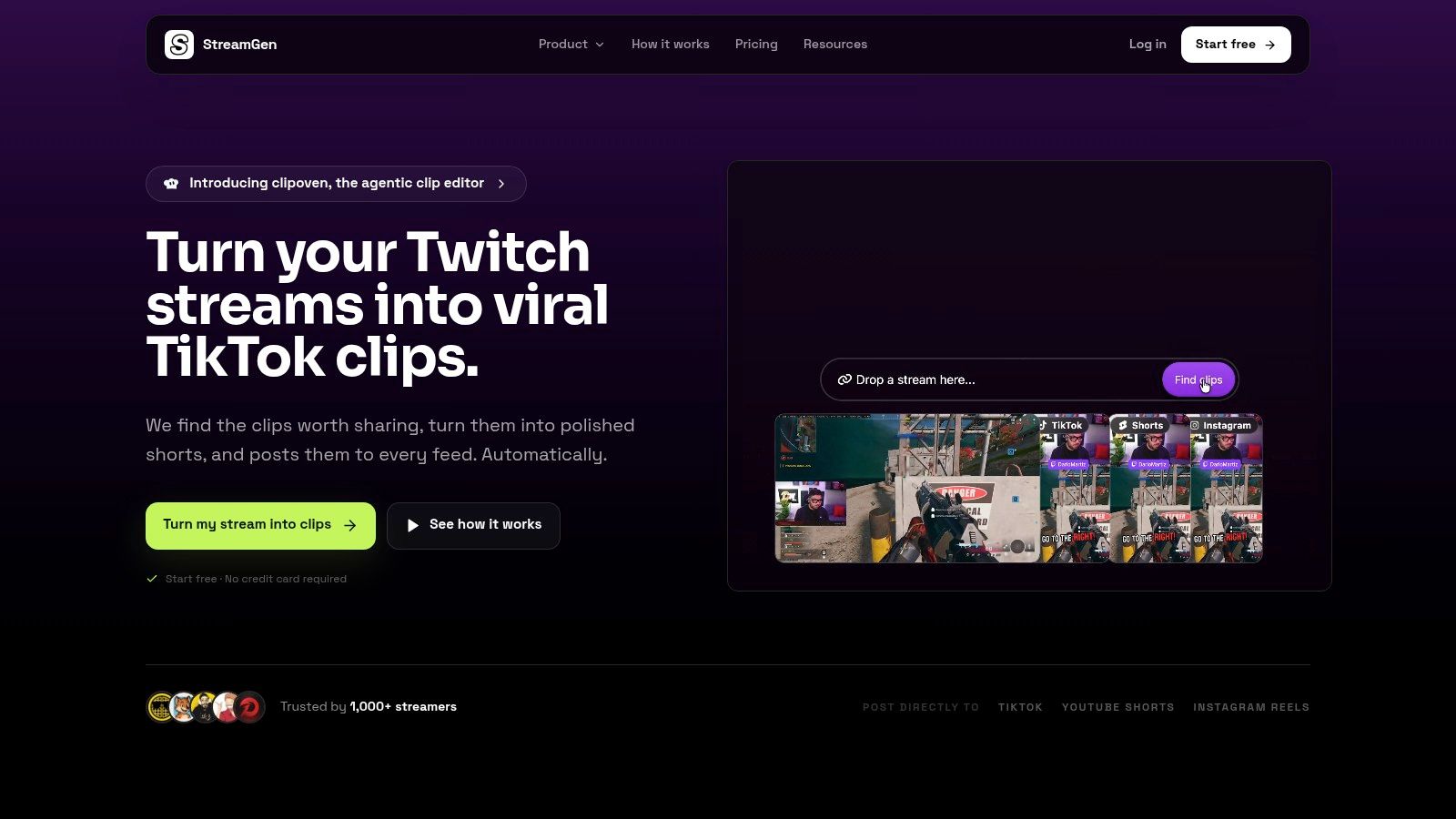
The browser-based Clip Editor then turns selected moments into vertical assets. Smart layouts preserve facecam and gameplay, animated captions support 90+ languages, and tools for silence removal, word censoring, AI title hooks, and reusable brand presets reduce repetitive finishing work. The important distinction is that StreamGen isn’t only a clip finder or a canvas editor. It connects discovery to formatting, which limits the app-hopping that often causes clips to remain unpublished.
Best fit for a repeatable publishing queue
Auto Posting connects TikTok, YouTube Shorts, and Instagram Reels so creators can schedule and publish without downloading each file. Autopilot can coordinate the find, edit, and post stages while the streamer is live, maintaining a content queue instead of leaving every upload for a separate editing session.
For more advanced workflows, the AI VOD Editor, currently in beta, removes dead air, loading screens, and menu navigation, then exports pre-edited projects for DaVinci Resolve and Premiere Pro. That makes StreamGen useful for both solo creators and editors who want AI to handle selection and cleanup before a professional handoff.
Practical rule: Use StreamGen when your bottleneck is the distance between a finished broadcast and a consistently published short.
A free tier is available, while the publisher’s materials list paid plans starting at €5.49 per month and the public FAQ references plans from €8 per month, so limits and current pricing should be checked before subscribing. The main weakness is familiar with AI editing: detection still needs human review, and the VOD Editor remains in beta. For Twitch streamers who want a fast, repeatable TikTok, Shorts, and Reels pipeline, however, the unified workflow is the central advantage.
Pros
- End-to-end workflow: Finds moments, creates vertical edits, and publishes from one workspace.
- Stream-aware detection: Uses chat and audio signals alongside gameplay to rank potential highlights.
- Native-feeling formatting: Smart layouts, captions, silence removal, and presets reduce manual finishing.
- Professional handoff: Exports projects for DaVinci Resolve and Premiere Pro.
- Accessible entry point: Includes a free tier and paid options positioned for solo creators and teams.
Cons
- Human review remains necessary: AI selections and edits may need changes before high-stakes publication.
- Feature access varies: Advanced automation and processing limits depend on the current plan.
- Pricing references differ: The product documentation and FAQ list different starting points, so verify the latest pricing page.
2. StreamLadder
StreamLadder targets a specific bottleneck: reviewing stream footage and turning selected moments into vertical clips. It analyzes Twitch, YouTube, and Kick VODs with ClipGPT, then moves candidates into a browser editor with templates, reframing, and layouts for vertical feeds. Compared with a general-purpose repurposing platform, its discovery process starts with streaming content. That makes it useful when the main problem is deciding which moments from a broadcast deserve attention.
The workflow continues through Content Publisher, which supports scheduling and posting to TikTok, YouTube Shorts, and Instagram Reels. Montage Maker handles a different publishing need by combining several moments into a longer highlight reel instead of treating every source clip as a separate short.
A practical fit for stream-first distribution
StreamLadder’s strongest use case is a single, streamer-oriented route from a multi-hour recording to social publishing. Its iOS and Android apps also let creators review clips or post without returning to a desktop editing setup.
StreamGen remains the unified benchmark for comparing discovery, editing, and distribution in one workflow. StreamLadder is more specialized: it fits creators who already work from Twitch, YouTube, or Kick footage and want stream-focused tools around that source material.
A free plan allows workflow testing, and paid plans include a seven-day trial. Advanced AI controls and other features sit behind paid tiers. Editors who need complex compositing or detailed timeline control will still need a traditional nonlinear editor.
Choose StreamLadder when reducing tool switching matters more than deep timeline control.
Strengths
- Broad stream support: Works with Twitch, YouTube, and Kick VODs.
- Unified workflow: Connects ClipGPT discovery, vertical editing, and publishing.
- Montage support: Combines multiple moments into longer highlight videos.
- Mobile access: iOS and Android support review and posting.
Limitations
- Paid advanced features: Deeper AI functionality is not included in the basic experience.
- Limited NLE depth: Complex compositing and detailed timeline work require another application.
3. Eklipse
Eklipse is built for one specific bottleneck: finding usable gaming moments inside completed streams. It connects with Twitch, YouTube, and Kick, scans full VODs for energetic sections, and produces vertical clips with captions and templates. That stream-first focus shortens the path from a finished broadcast to a reviewable queue of candidates.
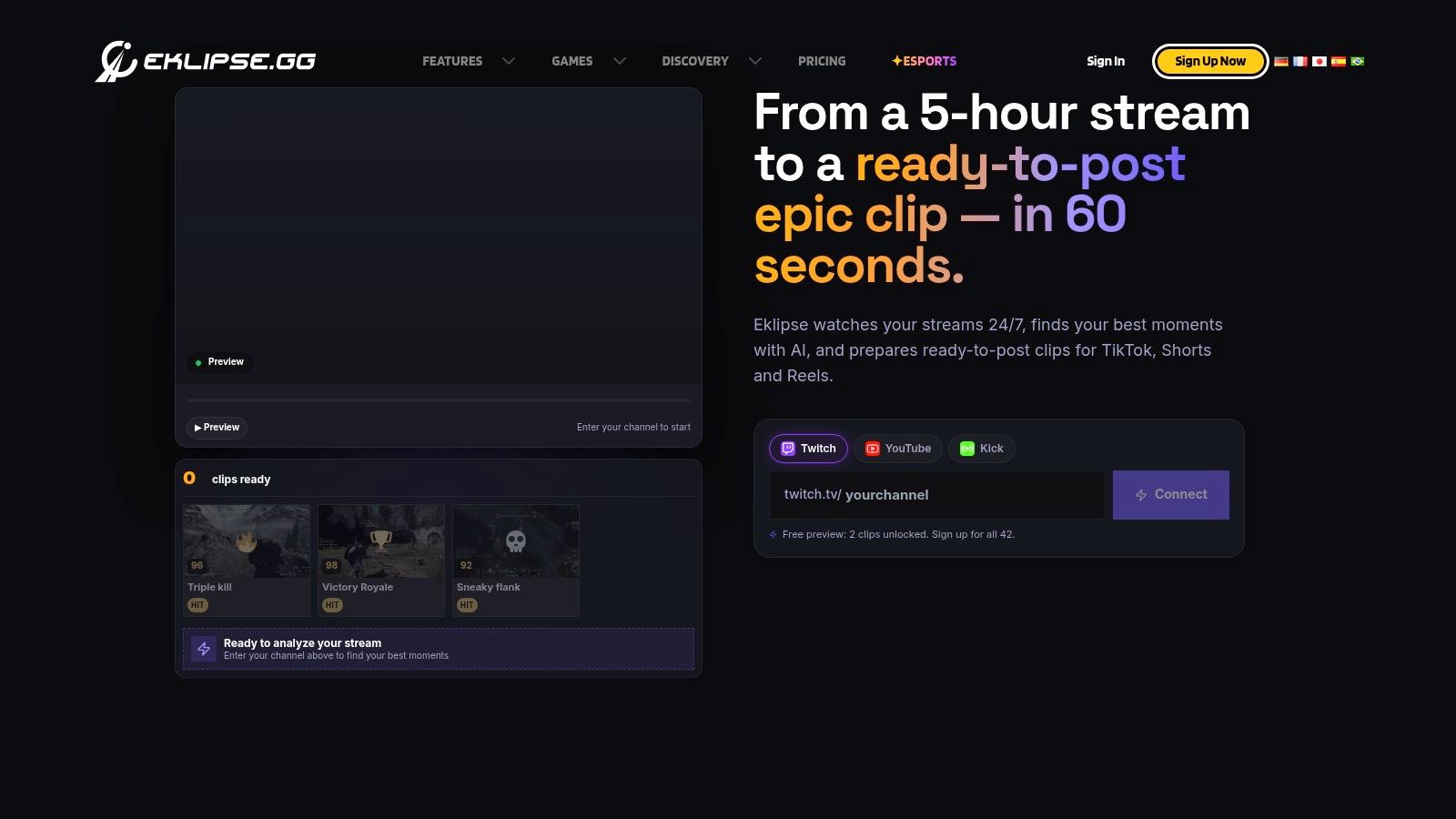
Eklipse handles the repetitive packaging work for Shorts, TikTok, and Reels, including vertical reframing and captioning. Official Twitch and YouTube APIs provide a structured account connection, while Premium subscribers receive priority processing and higher-quality exports, including 1080p60 according to the product’s documented plan benefits.
StreamGen is the unified benchmark because it connects moment discovery, editing, and distribution in one workflow. Eklipse is narrower and may suit a creator whose main problem is reviewing gaming VODs quickly, rather than managing broader content operations or detailed manual edits.
Test detection before paying
Eklipse lets users preview AI-found clips before subscribing. That preview is useful because detection quality depends on the broadcast. Fast gameplay may be easy to identify, while a valuable clip can depend on a chat reaction, joke, or conversational payoff that automated selection misses.
The ongoing subscription requirement is the main constraint. AI clipping and export require Premium, and there is no continuing free clip allowance. Selection quality can also vary, so testing a representative VOD matters more than judging the platform by its templates alone.
For plan details, see this Eklipse pricing analysis.
Best fit: creators who want a Gaming-first workflow, Multi-platform input, and Vertical output without starting in a general editor. The Preview before commitment option helps assess whether its selections match the channel’s content.
Trade-offs: Premium dependency raises the cost of ongoing AI clipping and export. Variable selections leave human review necessary for context-heavy streams. Eklipse is Less broad than a general editor, prioritizing fast gaming clips over extensive manual editing.
4. Powder
Powder targets the earliest bottleneck in highlight production: capturing gaming moments quickly. It can detect highlights during live gameplay and across multi-hour VODs with audio and visual models. Real-time detection also lets creators bookmark promising moments while they play, rather than reconstructing the entire broadcast afterward.
That workflow suits channels where gameplay events are easier to identify during the session than through a later review. A creator can mark a moment, then use AutoEdits to turn those selections into short clips. Chat spikes and keyword tools provide extra signals for review, although they do not replace human judgment when context matters.
A capture tool before a publishing platform
Powder is strongest for PC recording and post-VOD work. It supports high-quality exports from 1080p to 4K, and its broad game support makes it a better fit than a general repurposing editor when visual gameplay events drive the clip.
StreamGen remains the broader benchmark for creators who need discovery, editing, and distribution in one workflow. Powder concentrates more narrowly on gameplay capture and preparation, so it can be the better choice when finding moments is the main constraint. It offers less help with building a consistent, multi-network publishing queue.
Where Powder falls short is platform coverage: it is desktop-centric, mobile-only workflows are limited, and advanced export options sit behind the Pro tier.
Workflow strengths
- Real-time marking: Saves moments while the creator is playing.
- Gaming optimization: Applies audio and visual signals suited to gameplay.
- VOD support: Handles live capture and longer recorded sessions.
- Export quality: Provides high-quality outputs, including 1080p through 4K options.
Best fit: PC-based gaming creators who need faster moment discovery and clip preparation.
Main constraints: Desktop orientation, Pro-gated controls, and a narrower publishing workflow make Powder less suitable for mobile-first creators or teams focused on scheduling content across networks.
5. Streamlabs Cross Clip
Streamlabs Cross Clip addresses the formatting bottleneck, not highlight discovery. It takes a clip you have already selected and turns it into a TikTok, Shorts, or Reels-ready vertical video. Twitch and Kick clips, along with uploaded files, can be placed into portrait layouts or combined into a simple montage. Unlike StreamGen, the unified benchmark for finding, editing, and distributing highlights, Cross Clip does not scan a full VOD to identify important moments.
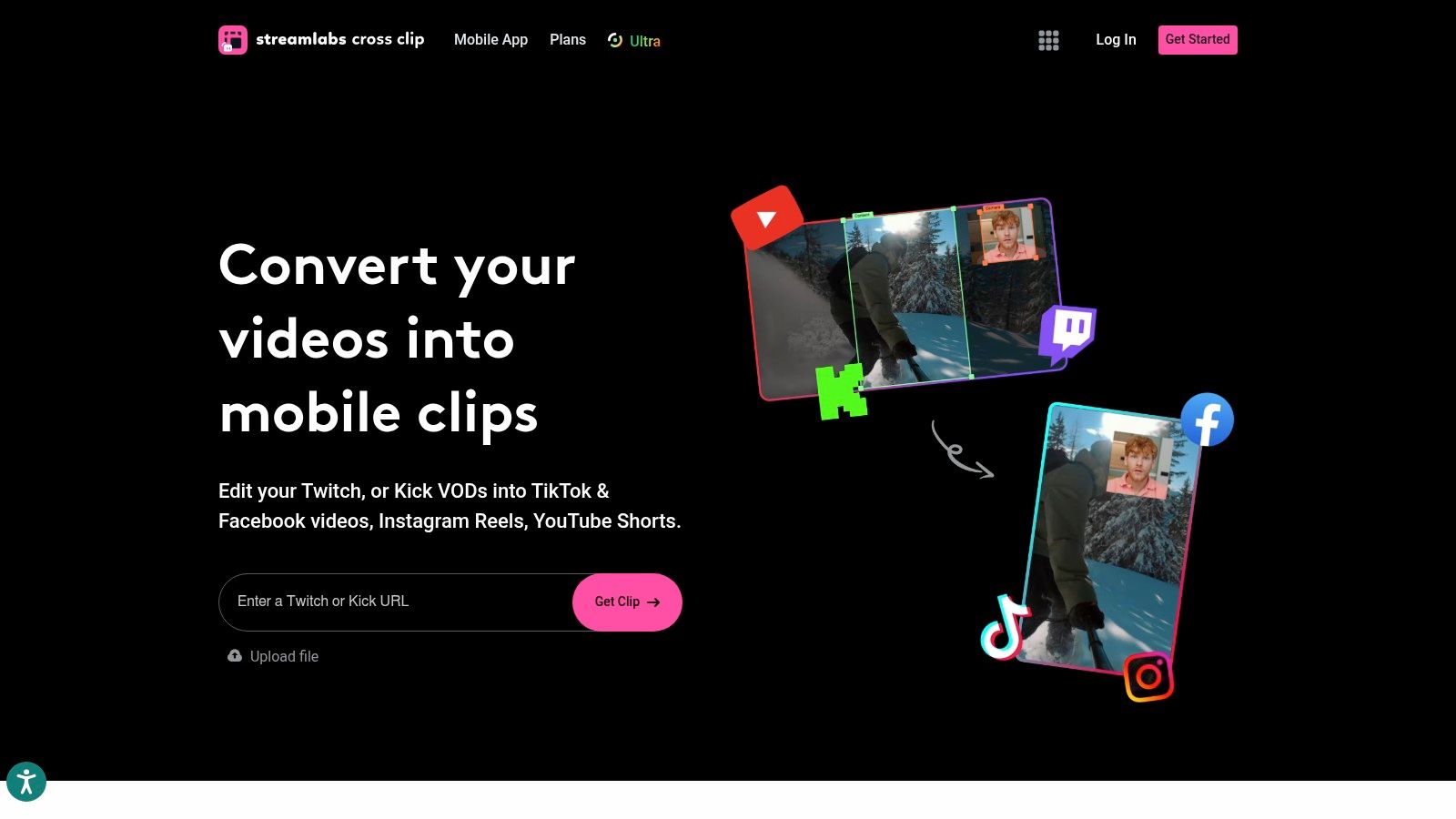
That narrower scope can reduce unnecessary review. Creators who mark highlights during a broadcast can move directly to formatting, without waiting for an AI system to assess the recording. Mobile apps and direct TikTok draft upload integration also shorten the path from a finished clip to a posting workflow.
A fast handoff after selection
Cross Clip has little value for a backlog of unreviewed VODs. The creator must select the source material, and the editor offers less control than a full browser-based platform with advanced caption styling, detailed AI controls, or complex revisions.
Its practical advantage appears when the source set is already small and defined. Fast manual conversion suits Twitch or Kick creators who need portrait layouts without opening professional editing software. StreamGen covers more workflow stages, while Cross Clip is easier to justify when vertical formatting is the only unresolved step.
Where it fits
- Fast conversion: Turns selected Twitch or Kick clips into portrait layouts.
- Mobile workflow: Supports iOS and Android editing and posting.
- TikTok handoff: Direct draft upload reduces file handling.
- Simple montages: Combines multiple clips without requiring a larger editor.
Trade-offs
- No automatic discovery: You choose the source clips yourself.
- Limited AI depth: It does not replace dedicated VOD highlight finders.
- Light editing control: Advanced captions and complex edits require another tool.
The entry price is low or included with Streamlabs Ultra, so compare the included features with your existing Streamlabs plan.
6. Opus Clip
Opus Clip is a general-purpose AI repurposing platform, not a gaming-first highlight video maker. It converts long videos into multiple short clips, ranks candidates with a Virality Score, adds auto-captions with emoji and keyword highlighting, and reframes footage for vertical feeds.
Its main advantage is source flexibility. Opus Clip accepts content from YouTube, Drive, Vimeo, Zoom, and other sources, so it fits podcasts, interviews, commentary, and VOD segments built around speech. That makes it a practical choice when the bottleneck is producing vertical clips from varied long-form material rather than finding gaming moments inside a stream.
A better fit for spoken narratives
Opus Clip’s one-click batch creation gives users a ranked review queue instead of requiring them to inspect every possible excerpt manually. Paid tiers also include capabilities such as AI B-roll and assistant features, extending the workflow beyond basic clip extraction.
The limitation appears with pure gameplay. A coherent spoken statement gives the system a clear basis for selecting and shaping a clip. A visually driven gaming moment may depend on a delayed reaction, chat response, or context that arrives after the most active speech. Those moments can require more manual selection than they would in a stream-first product.
Use StreamGen as the unified benchmark across the workflow: compare how each tool finds moments, edits vertical clips, and supports repeat publishing. Opus Clip is the more suitable specialized alternative when broad source ingestion and speech-led repurposing matter most.
Selection test: Run the same VOD segment through Opus Clip and a gaming-first tool. Judge whether the ranked clips preserve the moment’s context, not only its most active speech.
Plan limits and credit models should shape any high-volume workflow decision. Review those constraints before building a daily publishing process around automated batch creation. This AI clip maker guide explains how tools differ by source and use case.
Best fit
- Broad source ingestion: Supports YouTube, Drive, Vimeo, Zoom, and other sources.
- Prioritized output: Virality Score orders candidate clips for review.
- Speech-friendly editing: Captions and keyword emphasis suit podcasts and commentary.
- Batch creation: Produces multiple short-form candidates from one long video.
Trade-offs
- Less gaming-specific: Pure gameplay may need more human selection.
- Usage-based planning: Credits and plan limits affect high-volume production.
- Less stream-native: It gives less attention to chat signals, facecam layouts, and direct streamer workflows than dedicated alternatives.
7. Klap
Klap solves a different bottleneck from stream-first clippers: scaling repurposing and publishing across a large content operation. It turns long videos into short clips with AI reframing and dynamic captions, while its API, scheduling and posting endpoints, and third-party connectors support repeatable distribution.
That positioning suits agencies, multi-brand teams, and developers more than solo streamers who need to identify a clutch or chat reaction. Klap can connect production with existing content databases and approval systems, then support consistent output across clients. Its value rises when publishing volume, rather than moment discovery, limits the team.
Judge Klap by workflow fit
StreamGen works as the unified benchmark here. Compare whether each tool finds the right moments, formats vertical clips effectively, and supports repeat publishing. Klap is the stronger specialist when the priority is connecting those outputs to a broader content system. A gaming-first alternative may still win when context, chat signals, or gameplay layouts matter more than distribution.
Klap’s pricing deserves active review. Because pricing tracks clip volume, a workflow that is cheap at ten clips a week needs monitoring at a hundred. That makes plan limits relevant to operational planning, not just procurement. API access may outweigh the lack of gaming-specific templates only when the surrounding systems will use it.
Where Klap fits
- Programmatic production: Supports API-led clip creation for connected workflows.
- Publishing coordination: Scheduling and posting endpoints link creation with distribution.
- Agency operations: Team and enterprise options support work across multiple brands.
- Fast repurposing: Produces several short-form outputs from long content.
Watch points
- Volume-sensitive pricing: Costs and limits rise with usage.
- Less gaming-specific: Stream layouts and gameplay presentation are not core strengths.
- Setup overhead: API capabilities matter less for individuals without a connected content system.
8. Wisecut
Wisecut is built around spoken content, pacing, and cleanup. It removes silence and filler words, generates subtitles and translations, adds music, and reframes footage for vertical output. That workflow fits webinars, podcasts, interviews, and long recordings with frequent pauses.
StreamGen is the unified benchmark because it combines moment discovery, vertical formatting, and repeat publishing in one workflow. Wisecut addresses a narrower bottleneck: reducing cleanup time after a spoken segment has been selected. For a streamer, that makes it more suitable for a Just Chatting segment or educational broadcast than a gameplay clutch. Auto-zoom and speaker-aware framing can improve talking clips, but they are not designed to preserve a facecam beside active gameplay.
The practical test is whether automated tightening saves more time than it creates in review. Wisecut removes dead air before caption and pacing work, while filler-word removal and subtitle accuracy still require checking. A pause may carry comedic timing or conversational meaning, so the first export should be treated as an editing draft rather than a final cut.
Paid tiers add social scheduling and auto-publishing, with plan levels suited to different automation needs. Credit and usage limits matter when processing large archives. The editor can reduce manual scrubbing substantially, but high-volume users should monitor plan consumption.
Best fit
Wisecut suits creators turning speech-led recordings into vertical clips. It combines silence removal, caption support, translation, music, and speaker-focused reframing. Stream-first clippers remain a better fit for gameplay detection and stream layouts, while broader editors may offer more manual control. Review the credit allowance and publishing workflow before using it for frequent output.
9. Kapwing
Kapwing solves the refinement bottleneck. Its AI Highlight Maker can suggest key moments, while Smart Cut removes silence, auto-subtitles style captions, and transcript-based trimming speeds up edits once a passage has been selected. The platform gives creators hands-on editorial control, which matters when an automated clip has the right subject but the wrong opening or pacing.
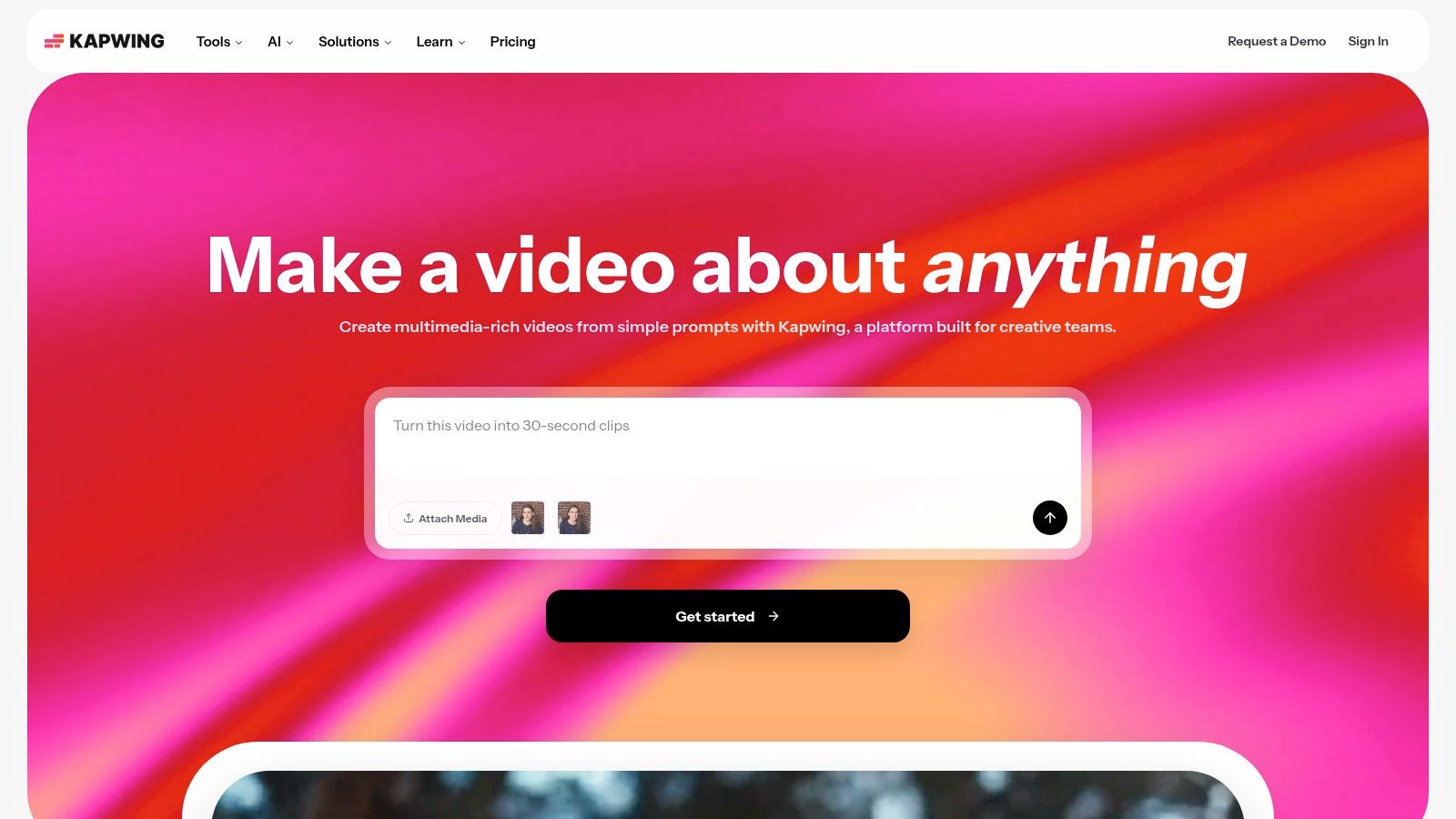
Kapwing also resizes footage to 9:16 and provides safe-zone guidance for TikTok, Shorts, and Reels. Editors can replace the first few seconds, tighten a pause, restyle captions, or reposition elements before export. That makes it a practical choice when review and correction are the main time sink.
A better fit for refinement than discovery
StreamGen is the unified benchmark for finding moments, preparing vertical clips, and supporting repeat publishing in one workflow. Kapwing addresses a different constraint. It is a general-purpose browser editor that can work across content types, but it has less knowledge of gameplay-specific excitement, stream layouts, or chat-led moments than stream-first tools. A creator who already knows which segment to use may prefer Kapwing’s manual control over another automatic clip finder.
Its transcript editing, safe-zone resizing, templates, and team features support shared production for creators, social teams, and small brand groups. The trade-off is more manual work when AI detection misses context. The free plan adds watermarks and usage limits, so test a representative project before relying on frequent clean exports. This vertical video editor comparison provides a useful reference for weighing control against automation.
10. Vizard
Vizard targets the repurposing bottleneck: turning long spoken recordings into short-form clips with limited manual editing. Its AI Clips identify candidate highlight segments, while dynamic captions, filler-word trimming, and 9:16 formatting prepare them for vertical platforms. The developer API also supports batch production and repeatable automated pipelines.
The workflow fits podcasts, webinars, interviews, and educational recordings better than stream-first clipping. Vizard provides usable defaults, so an operator can extract a short without building every cut from scratch. Presets help teams keep captions and vertical exports consistent across recurring projects.
Strongest when production needs scale
StreamGen is the unified benchmark for finding moments, preparing vertical clips, and supporting repeat publishing in one workflow. Vizard specializes in scaling repurposing after the source material is available. That makes its API and batch capabilities valuable to a social team processing recurring recordings, but less useful to a streamer whose main bottleneck is identifying gameplay highlights, facecam-plus-gameplay interactions, or chat-led moments.
Vizard can reduce repetitive production steps, though teams should test real gaming footage before choosing it for stream content. Its caption automation, filler-word trimming, and vertical defaults limit cleanup, but sensible settings do not guarantee a publishable final cut. Review remains necessary.
Pricing varies by plan. High-volume users should confirm processing, export, and API limits before sending a large archive through the platform. The practical question is whether automation removes enough editing work to justify the plan, rather than whether Vizard can create a clip at all.
Top 10 Highlight Video Makers, Feature Comparison
| Product | Core features | Unique features ✨ | Target audience 👥 | Value / Pricing 💰 | Quality / UX ★ |
|---|---|---|---|---|---|
| StreamGen 🏆 | AI Clip Finder (8+hr VODs), vertical Clip Editor, Auto Posting, Autopilot, VOD Editor exports | Smart facecam+gameplay reframing; chat+audio-aware highlights; end‑to‑end Autopilot | 👥 Twitch streamers, solo creators, agencies | 💰 Free tier; paid plans from ~€5.49–€8/mo | ★★★★★ |
| StreamLadder | ClipGPT highlight finder, vertical editor, scheduler, Montage Maker | Mobile apps + gamer-focused templates | 👥 Gamers & streamers wanting unified flow | 💰 Free plan + 7‑day trial; paid tiers | ★★★★☆ |
| Eklipse | AI highlight detection, 9:16 reframing, captions & templates | Priority processing & 1080p60 on Premium | 👥 Streamers seeking fast VOD→shorts | 💰 Premium required for exports (no free clip allowance) | ★★★★☆ |
| Powder | Live & VOD AI highlights, real-time bookmarking, AutoEdits, HQ exports | Deep gaming optimization; real-time mark tools | 👥 PC gamers & creators needing instant turnaround | 💰 Free/basic; Pro for high‑quality/exports | ★★★★☆ |
| Streamlabs Cross Clip | Fast clip import, portrait layouts, TikTok draft upload, mobile apps | Extremely quick mobile-first vertical conversion | 👥 Creators converting clips on mobile | 💰 Low entry / included with Streamlabs Ultra | ★★★☆☆ |
| Opus Clip (Opus.pro) | AI clipping, Virality Score, auto-captions, multi-source ingestion | Virality scoring + strong for talking-heads/podcasts | 👥 Podcasters, commentators, creators of talk content | 💰 Free tier w/ limits; paid credit/limit models | ★★★★☆ |
| Klap | AI clipping, dynamic captions, auto-reframe, scheduling & API | Developer/API-first automation & connectors (e.g., Claude) | 👥 Agencies, teams, devs automating pipelines | 💰 Pricing scales with clip volume | ★★★★☆ |
| Wisecut | Silence/filler removal, auto-captions, 9:16 reframing, music & pacing | Excellent filler-word trimming & pacing for long talks | 👥 Podcasters, webinars, talking-head creators | 💰 Free limited plan; paid tiers for automation | ★★★★☆ |
| Kapwing | AI Highlight Maker, Smart Cut, auto-subtitles, one-click 9:16 resizing | Flexible browser editor with templates & collaboration | 👥 Creators who want hands-on editing & teams | 💰 Free plan (watermark/limits); paid removes limits | ★★★★☆ |
| Vizard | AI clip detection, auto-captions, 9:16 formatting, developer API | Batch/API tooling for large-scale repurposing | 👥 Teams/agencies repurposing webinars/podcasts | 💰 Pricing varies by plan; confirm volume limits | ★★★★☆ |
Choose by Workflow, Not by Feature Count
A feature list hides the decision that matters most. Ask where the workflow breaks. If you can’t find good moments in long Twitch broadcasts, prioritize a stream-first AI clip finder. If you already have selected clips, a lightweight vertical converter may be faster. If your team produces podcasts, interviews, or webinars, broad repurposing and transcript tools will usually fit better than gaming-specific detection.
Choose StreamGen or StreamLadder when you want an integrated stream-to-shorts pipeline. Both connect discovery, editing, and distribution more directly than tools that only reframe existing clips. StreamGen is the stronger benchmark for a single workspace that combines chat and audio-informed discovery, vertical layouts, captions, scheduling, Autopilot, and professional exports. StreamLadder is a strong alternative for creators who need Twitch, YouTube, and Kick support, mobile access, and montage creation.
Choose Eklipse or Powder when gaming-first discovery matters most. Eklipse focuses on finding energetic moments across connected gaming VODs and preparing them for vertical export. Powder is a better fit when real-time bookmarking, PC gameplay capture, and high-quality exports are central to the workflow. Neither should be judged only by caption quality. The important test is whether the tool recognizes why a gaming moment is interesting.
Choose Streamlabs Cross Clip when the source moment is already selected and the remaining problem is fast portrait conversion. It isn’t a VOD discovery platform, but that can be an advantage for creators who manually mark highlights and don’t want an additional AI selection stage.
Choose Opus Clip, Wisecut, Kapwing, or Vizard for broader editing and repurposing needs. Opus Clip is well suited to spoken content and batch candidate generation. Wisecut specializes in silence removal and pacing cleanup. Kapwing gives creators more manual control after AI assistance, while Vizard combines quick repurposing with API-oriented automation. These platforms can handle stream content, but they aren’t equally suited to gameplay, chat reactions, or facecam-safe layouts.
Choose Klap when API access, scheduling endpoints, team workflows, or multi-brand automation matter more than gaming-specific templates. Its advantage appears when content production connects to a larger system, not when a solo creator only needs a better vertical crop.
The publishing target should shape the edit. Short-form is a high-priority category for marketers, with 29.18% reporting use of formats such as TikTok, Instagram Reels, and YouTube Shorts, while 17.13% planned to increase investment in the format during 2025, according to HubSpot’s video marketing data. The same source reports that 21% of marketers identify short-form video as delivering the highest ROI, compared with 15.53% for live-streaming video. Those figures don’t prove that any individual clip will perform, but they do support building a workflow that makes short-form publishing routine rather than occasional.
Test each finalist with representative VODs, including the content type you publish most often. Check whether the tool can preserve facecam and gameplay, whether captions need extensive correction, whether exports meet your requirements, and whether direct posting fits your accounts. Review plan limits before importing an archive, and measure how much human review remains after AI processing.
Don’t optimize for the number of buttons. Optimize for the time between ending a broadcast and publishing a useful, platform-appropriate short. The best highlight video maker is the one that removes your actual bottleneck without creating a new approval, export, or editing problem downstream.
StreamGen combines AI highlight discovery, vertical editing, direct posting to TikTok, YouTube Shorts, and Instagram Reels, plus optional Autopilot automation in one workspace. If you want to turn long Twitch VODs into a repeatable publishing queue and keep professional handoff options available, visit StreamGen and test the workflow against your own broadcasts.
More blog posts