You’ve stepped away from your desk, but your Twitch broadcast is still live. Viewers see a frozen gameplay feed, an empty webcam frame, or a scene that gives no indication whether you’ll return. A well-built Twitch Be Right Back screen removes that uncertainty and gives your audience a clear, branded holding state.
The right resource depends on your workflow. A new streamer may want a free browser-based setup, while an established creator may prefer a one-time animated pack, a subscription library, or fully custom branding. Streaming software matters too. A design that deploys cleanly through StreamElements may require a different process in OBS, Streamlabs Desktop, or Prism Live Studio.
This list evaluates ten options by asset quality, setup path, branding flexibility, animation workload, ecosystem compatibility, performance demands, support, and long-term value. Twitch treats BRB as a standard scene alongside Starting Soon, Stream Ending, Talk Scene, and In Game Scene, which makes it more useful to think of BRB as a reusable broadcast state rather than a disposable overlay. StreamElements scene packages reflect that broader scene-based workflow.
A BRB scene can also support content planning. After the broadcast, StreamGen can help turn stream moments into short-form clips, but this guide stays focused on choosing and deploying the screen itself. If you use a countdown, make its purpose obvious, and a resource such as this 30-second countdown timer guide can help you plan the presentation.
Table of Contents
- 1. StreamElements SuperThemes
- 2. Streamlabs Theme Library
- 3. OWN3D.tv
- 4. Nerd or Die
- 5. Visuals by Impulse on the Elgato Marketplace
- 6. StreamSpell
- 7. StreamSkins
- 8. MoveGraph
- 9. TacticalLion Designs
- 10. Canva and Placeit
- Top 10 Twitch BRB Screen Providers, Feature Comparison
- Turn Your BRB Scene Into a Consistent Brand Touchpoint
1. StreamElements SuperThemes
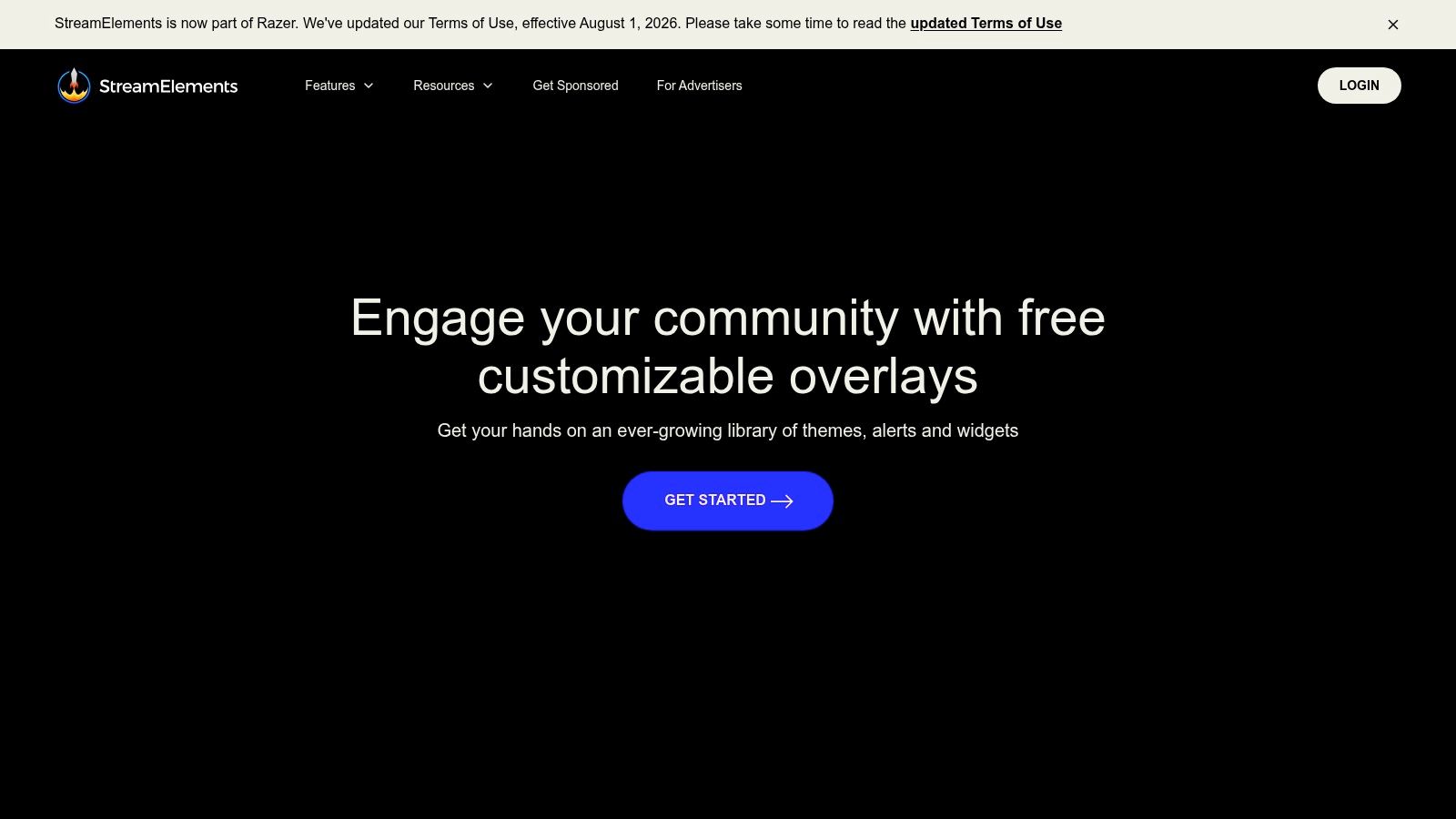
StreamElements SuperThemes is the strongest starting point for a streamer who wants a coordinated Twitch Be Right Back screen without assembling every scene manually. The library includes ready-to-use visual systems with Starting, BRB, and Ending scenes, plus alerts, labels, and widgets. That matters because a BRB scene looks more intentional when it shares typography, colors, and spacing with the rest of the broadcast.
The setup path is browser-first. You can import a theme through Overlay Manager, edit it in the web interface, and use a browser-source URL in OBS, Streamlabs, or Prism. Cloud-synced overlays make later adjustments easier because you’re editing a hosted layout rather than replacing a collection of local files.
Best fit for fast, cohesive setup
The main advantage is speed without sacrificing basic consistency. A new streamer can select a visual direction, adjust the available elements, and connect the resulting overlay to the broadcast software. The free library also makes it practical to test different styles before committing to a larger asset purchase.
There are trade-offs. Popular themes can make channels look similar, and browser sources can display incorrectly if the canvas dimensions or source properties aren’t configured properly. A design that looks perfect in the editor may appear cropped, stretched, or offset in OBS if the source doesn’t match the scene.
Practical rule: Set the browser source to the same canvas dimensions as your stream before judging the design. Fix scaling at the source level instead of compensating by dragging elements around the scene.
StreamElements is also useful if you want to coordinate your BRB music and alerts with the rest of the broadcast. For that part of the setup, use this guide to manage audio for streamers.
2. Streamlabs Theme Library
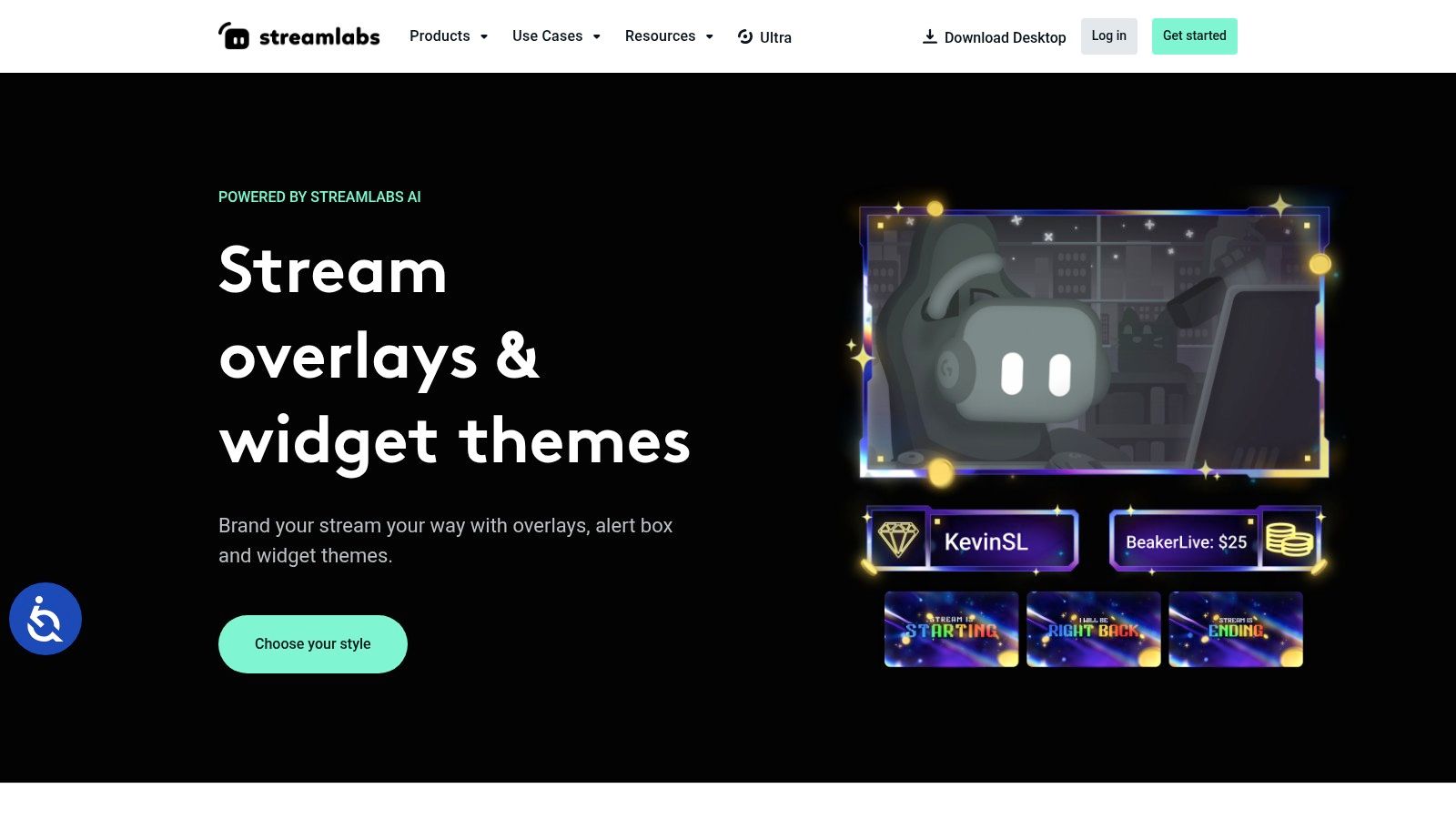
Streamlabs Theme Library suits creators who already run their broadcasts inside Streamlabs Desktop and want the shortest path from discovery to deployment. Its library contains free and premium themes with matching full-screen states, including Starting, BRB, and Ending scenes. Widgets and alerts can follow the same visual language, so you’re not forced to mix a polished BRB with unrelated notification graphics.
The biggest workflow advantage is the direct application process. Instead of downloading a pack, locating files, importing sources, and arranging scenes, Streamlabs users can apply a theme from within the desktop ecosystem. That’s particularly convenient for creators who want to change their presentation without spending an evening rebuilding scenes.
Convenient inside Streamlabs, less portable outside it
Streamlabs offers plenty of free material, but premium themes and features can be tied to Streamlabs Ultra. That creates a recurring-cost question. If you only need a single BRB scene and plan to keep it for a long time, a paid ecosystem subscription may be less attractive than a one-time asset purchase.
Portability is another consideration. A Streamlabs-native setup can be easy to manage while you’re using Streamlabs Desktop, but moving later to standalone OBS may involve rebuilding sources, widgets, and scene relationships. The visual files may remain useful, yet the implementation logic may not transfer perfectly.
Use this option when convenience inside Streamlabs matters more than software independence. Check the theme preview at your actual output resolution, verify that animated elements don’t compete with the break message, and make sure alerts won’t cover the return-time text.
3. OWN3D.tv
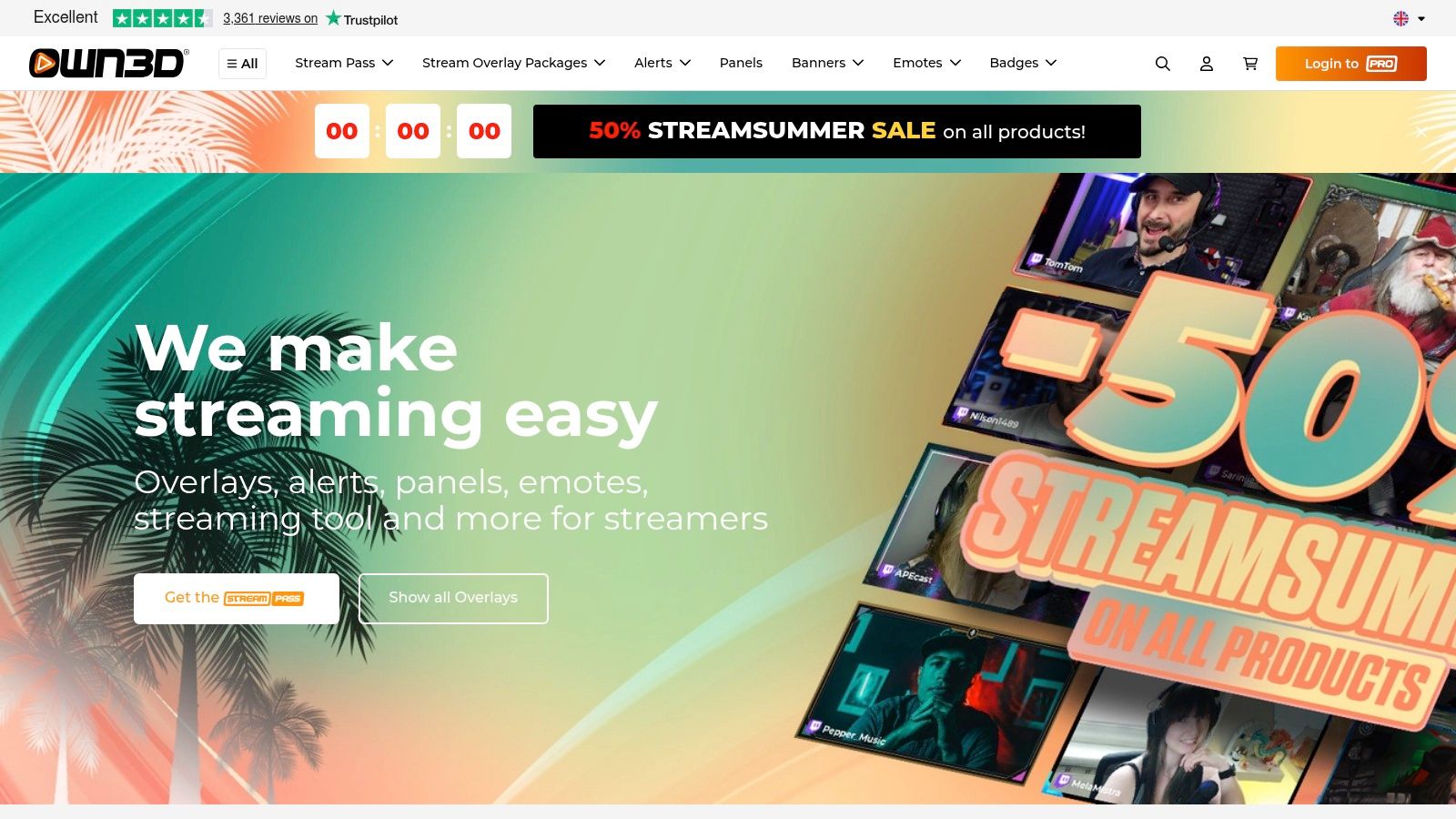
OWN3D.tv is designed for streamers who want a large catalog of themed packs and a more finished look than a single homemade graphic usually provides. Packs commonly coordinate Starting, BRB, and Ending states, which gives your broadcast a visual progression instead of treating the break screen as an isolated asset.
The catalog spans multiple genres and aesthetics, from highly animated gaming styles to cleaner layouts. OWN3D Pro adds a scene builder and broader catalog access, which can reduce the manual work involved in placing assets and connecting scenes. That deployment model is useful when you care about polished results but don’t want to become an overlay technician.
Compare editing freedom with catalog breadth
The main limitation is customization inside the downloaded files. Text and layout changes may be restricted unless you use the Pro scene editor or edit the assets externally. If your brand depends on a specific typeface, unusual logo placement, or a carefully controlled visual hierarchy, confirm what can be changed before buying.
A subscription can also be inefficient for a creator who rarely changes their look. It makes more sense for streamers who experiment with themes, seasonal visuals, or multiple content formats. Before choosing a pack, inspect whether the BRB scene uses a static image, a local video loop, or a browser-based component. Those formats behave differently in OBS and can carry different performance demands.
OWN3D is a good middle ground for creators who want variety and support materials. It’s less suitable when maximum source-file control is the priority.
4. Nerd or Die
Nerd or Die focuses on designed overlay packs with a strong emphasis on animated scenes, reactive alerts, and detailed installation guidance. The packs commonly extend beyond BRB into Starting, Ending, Chatting, and Offline screens, making them suitable for streamers who want a complete visual system rather than a single pause card.
The useful distinction here is the balance between production quality and purchase flexibility. Nerd or Die offers premium products, but it also has pay-what-you-want options. That gives budget-conscious creators a way to test the studio’s design approach without immediately committing to a larger package.
Choose animation only when it earns attention
Animated BRB screens can make a break feel active, but local video loops may add GPU or CPU load. That doesn’t mean every animated asset will cause problems. It means you should test the scene while the game, webcam, alerts, and recording workflow are running together.
Some packs include design or source files, which can make brand edits easier than with locked-down marketplace assets. Installation documentation is another practical strength, although older guides may refer to tools or workflows that feel dated compared with current OBS and browser-source setups.
Use Nerd or Die when you want a distinctive, professionally art-directed look with an accessible entry point. Keep the motion restrained. A moving background should support the BRB message, not make viewers work to find it.
5. Visuals by Impulse on the Elgato Marketplace
Visuals by Impulse on the Elgato Marketplace is a strong option for creators who prioritize professional polish and already use Elgato hardware or software. The catalog includes branded and animated stream graphics, matching alerts, panels, and scene assets. Many established packs include BRB, Starting, and Ending states.
The Elgato Marketplace gives these assets a familiar purchasing and distribution environment for creators in that ecosystem. That can simplify discovery, especially if your setup already includes Elgato tools and you want your visual resources in the same general workflow.
Professional finish, variable buying experience
Visual quality is the attraction, but the buying decision needs more care because marketplace pricing varies by item. Compare what the package includes. A BRB animation by itself may look attractive, yet a coordinated scene set can provide more long-term value if you also need Starting and Ending screens.
Some legacy customers have reported mixed experiences with support or user experience outside the Marketplace. Treat that as a workflow question rather than a reason to reject the assets outright. Check file formats, installation instructions, software compatibility, and whether the included files are editable before you purchase.
For OBS users, confirm whether the animation is intended as a media source, a browser source, or another supported implementation. For Streamlabs and StreamElements users, verify that alerts and widgets can be matched without recreating the entire scene.
6. StreamSpell
StreamSpell is aimed at creators who want premium themed packages, detailed installation materials, and the option to commission custom branding. Its scene sets can include BRB, Starting, Ending, transitions, alerts, and widgets, with versions intended for OBS, StreamElements, and Streamlabs.
That cross-platform focus makes StreamSpell a practical choice for streamers who haven’t settled permanently on one software ecosystem. You can evaluate the package based on its files and documented installation path rather than assuming it only works inside one desktop application.
A good choice for serious visual identity
StreamSpell’s strongest advantage is the combination of production value and support documentation. Custom overlay and branding services also help when a template can’t express a channel’s identity. A custom BRB screen can use your established logo system, recurring show segments, community language, and preferred motion style instead of asking you to adapt your brand to a prebuilt pack.
Premium pricing is the obvious trade-off, although the value depends on how much of the package you’ll use. Animation-heavy packs can also have larger files, so test loading behavior, scene switching, and system performance before using the design during a long broadcast.
Keep the BRB message readable at a glance. A premium background doesn’t justify a tiny return-time label, a crowded social panel, or visual movement that distracts from the purpose of the scene.
7. StreamSkins
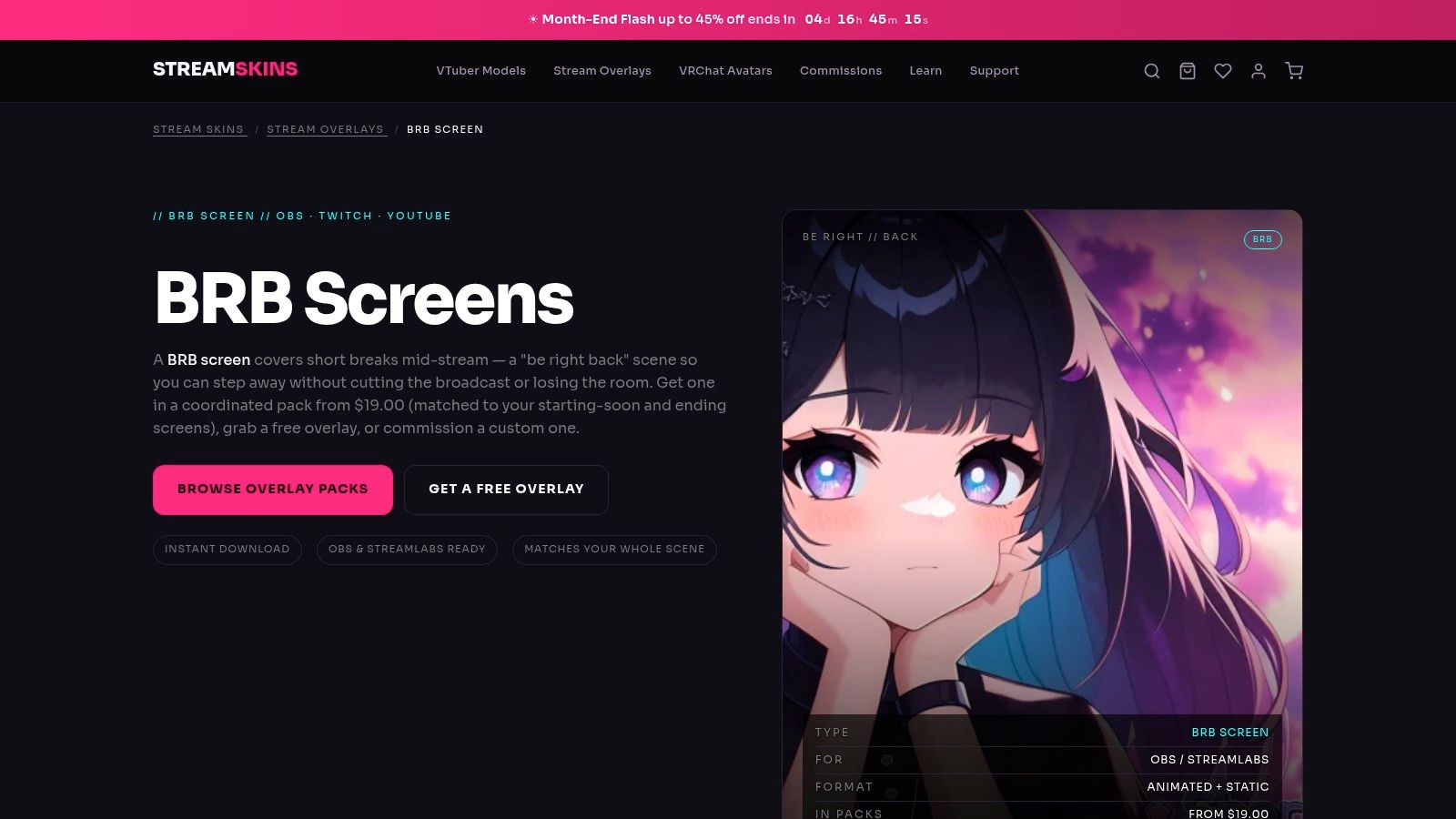
StreamSkins is a straightforward one-time-purchase option for creators who specifically want a polished BRB scene without joining a large subscription ecosystem. Packs include coordinated Starting, BRB, and Ending screens, with styles ranging from retrowave to minimalist presentation.
The assets are optimized for OBS and Streamlabs, with clear sizing guidance around a 1080p canvas. That makes the setup relatively approachable. You can usually add an image or media source, place it at the correct dimensions, and connect the scene to your existing scene collection without importing a full widget system.
Simplicity is the product advantage
StreamSkins has a smaller catalog than major marketplaces, but that can help if you don’t want to sort through endless variations. Sensible filenames and clear asset groupings reduce the most common setup mistake, selecting the wrong file or using a starting screen in a BRB scene.
The limitation is scope. You won’t get the same depth of alerts, widgets, integrations, or scene-building tools associated with StreamElements, Streamlabs, or OWN3D. If you want a full channel redesign, you’ll probably need additional assets.
Choose StreamSkins when the requirement is precise: buy a coherent scene set once, install it quickly, and move on. It’s especially practical for creators who already have their alerts and panels working and only need a better break state.
8. MoveGraph
MoveGraph is a motion-design archive rather than a conventional active marketplace. Its primary store has been sunset, but the MoveGraph Vault closeout bundle preserves a large collection of animated screen assets, including BRB, Starting, and Offline graphics.
That distinction changes the buying decision. You’re not choosing a current catalog with an obvious update cycle. You’re choosing access to an archive of broadcast-style motion design, which may be appealing if you want a broad asset library and can work independently with local media files.
Buy the archive only if you can manage it
The Vault’s appeal is the volume and style of the assets. Clean, broadcast-inspired animation can look more refined than flashy gamer templates, especially for talk shows, esports commentary, or creators whose brand uses restrained motion.
The risk is support and longevity. With the main store closed, future updates, compatibility revisions, and customer assistance are uncertain. Organize your downloaded files immediately, document licenses and source locations, and test the assets in the exact software you use before rebuilding your entire scene collection around them.
MoveGraph works best for a technically comfortable streamer who wants a large motion library and understands that an archive purchase isn’t the same as an actively maintained subscription. If you prefer current documentation and ongoing ecosystem support, choose a live marketplace instead.
For a broader workflow around creative production, these tools for content creators can help you evaluate where motion assets fit into your publishing process.
9. TacticalLion Designs
TacticalLion Designs targets streamers who want variety under a subscription model, with a large library of overlay packs that includes BRB, Starting, and Ending scenes. It also offers custom design and commission services, so the same provider can support both theme experimentation and a more brand-specific final design.
This makes TacticalLion a good fit for creators who change their channel presentation often. A single purchase may be enough for a stable brand, but a subscription can make more sense when you regularly test visual directions, run themed events, or maintain different looks for different content categories.
Subscription value depends on behavior
The key question isn’t whether the library has enough designs. It’s whether you’ll use the variety. If your brand stays consistent for a long period, a one-time pack may offer better practical value. If you enjoy rotating themes, the subscription can reduce the friction of trying a different BRB without purchasing every scene separately.
TacticalLion’s ecosystem is smaller than Streamlabs or StreamElements, which means you may need to handle more of the implementation yourself. Verify whether the selected pack uses image sources, media sources, browser elements, or a combination. Then check how alerts and widgets will look beside the new BRB scene.
Custom design is the differentiator. It gives a creator a path from template-based experimentation to a BRB screen that reflects specific colors, motifs, typography, and community references.
10. Canva and Placeit
Canva and Placeit put the design decisions in your hands. Instead of choosing a pre-coordinated pack, you build the BRB screen around specific fonts, colors, images, wording, and layout. Canva’s Twitch screen templates and Placeit’s browser-based video templates let you work without installing design software, then export a static PNG or a lightly animated MP4 when the selected template supports it.
That control suits a channel with established branding but no matching scene pack. Reuse the colors and typography from your panels, profile graphics, and social profiles, then test the exported scene inside OBS rather than trusting the editor preview. Browser editing makes revisions quick, especially when text that looks clear during design becomes difficult to read beside a webcam, chat box, or alerts.
DIY control, limited broadcast integration
The trade-off is implementation work. Canva and Placeit do not automatically build a complete broadcast system, so a BRB screen may look disconnected from your Starting and Ending scenes unless you create those assets together. The result can be a strong single-asset solution, but it requires more attention to brand consistency across OBS, Streamlabs, or StreamElements.
Animation is usually simpler than in specialist overlay packs. That can reduce playback demands and keep the message readable, while offering less reactive behavior, alert integration, and advanced scene transitions. Export the correct dimensions, use an OBS image source for a static file, or select a media source for a video loop. In Streamlabs or StreamElements, confirm how the file type and transparency behave before replacing an existing scene.
Vertical reuse may require a separate crop or layout. This guide to changing video aspect ratio covers that production issue. For animation workflow differences, see this Wideo comparison with Canva.
Top 10 Twitch BRB Screen Providers, Feature Comparison
| Product | Key features ✨ | UX / Quality ★ | Price / Value 💰 | Target 👥 | USP 🏆 |
|---|---|---|---|---|---|
| StreamElements SuperThemes | Complete scene sets (BRB/Start/End), alerts, 1‑click browser‑source, cloud editor | ★★★★☆, easy setup | 💰 Free (many styles) | 👥 New / budget streamers | 🏆 Free, cloud‑synced overlays with browser‑source |
| Streamlabs Theme Library | Large free & premium themes, matching widgets, direct apply in app | ★★★★☆, fast apply | 💰 Free + premium (Streamlabs Ultra) | 👥 Streamlabs Desktop users | 🏆 One‑click integration inside Streamlabs |
| OWN3D.tv | Extensive packs, Pro scene builder, multi‑platform support | ★★★★☆, polished designs | 💰 Paid packs; Pro subscription | 👥 Creators wanting polished, turnkey looks | 🏆 Pro subscription + scene builder for instant variety |
| Nerd or Die | Animated scenes, reactive alerts, source files & guides | ★★★★☆, strong design | 💰 Mix: premium & pay‑what‑you‑want | 👥 Design‑minded / budget conscious creators | 🏆 Pay‑what‑you‑want + high‑quality animated packs |
| Visuals by Impulse (Elgato) | Branded animated overlays, alerts, Elgato Marketplace assets | ★★★★☆, pro polish | 💰 Paid (marketplace pricing) | 👥 Elgato/Corsair ecosystem users | 🏆 Official Elgato marketplace integration & studio polish |
| StreamSpell | Premium themed packs, reactive overlays, custom branding services | ★★★★☆, high production value | 💰 Paid / premium | 👥 Streamers wanting bespoke, high‑end looks | 🏆 Custom design services and robust support |
| StreamSkins | Matching scene sets optimized for 1080p, simple file structure | ★★★★☆, straightforward | 💰 One‑time purchase | 👥 Users wanting simple, polished BRB screens | 🏆 Clear sizing & fast setup with single purchase |
| MoveGraph | Broadcast‑style motion design, large animated asset archive (Vault) | ★★★★☆, elegant motion | 💰 Vault closeout bundle (one‑time) | 👥 Buyers seeking a big library of animated assets | 🏆 Massive archive of broadcast‑grade animations |
| TacticalLion Designs | Pro subscription (200+ packs), custom commissions, Elgato listings | ★★★★☆, consistent quality | 💰 Subscription or custom pricing | 👥 Streamers who rotate themes often | 🏆 Subscription access + custom branding options |
| Canva & Placeit | Template‑driven BRB/scene templates, PNG/MP4 export, easy edits | ★★★☆☆, flexible templates | 💰 Free & Pro / pay‑per‑template | 👥 DIY creators & non‑designers | 🏆 Fast, no‑install design workflow for bespoke screens |
Turn Your BRB Scene Into a Consistent Brand Touchpoint
A Twitch Be Right Back screen should do more than announce that you’ve left your desk. It should preserve context, reduce uncertainty, and make the return to the live broadcast feel deliberate. Twitch’s own support guidance distinguishes a short reconnection interruption, where viewers may see a BRB screen for up to 90 seconds, from a planned break that needs more careful audience handling. Twitch Support’s reconnection guidance is useful because it shows why a brief technical hold and an intentional absence shouldn’t be designed or managed in exactly the same way.
For planned breaks, streamer education guidance commonly uses a 5- to 15-minute window, with one break every 90 to 120 minutes on streams longer than 3 hours. The same guidance warns that extending beyond 15 minutes can increase viewer drop-off, while a longer break may be more tolerable when the scene includes a countdown, music, or rotating clips. See the stream break guidance for that practical benchmark.
Your resource choice should match your operating style:
- Choose StreamElements or Streamlabs if free ecosystem integration and fast deployment matter most.
- Choose StreamSkins or a similar pack if you want a polished one-time purchase with a simple local-source setup.
- Choose Nerd or Die, Visuals by Impulse, StreamSpell, or MoveGraph when animated production value is central to your brand.
- Choose TacticalLion if you expect to rotate themes regularly or want subscription access plus custom design options.
- Choose Canva or Placeit if maximum design control matters more than built-in widgets and automation.
The implementation details matter more than the product page. Use this short deployment check before your next broadcast:
- Make the message readable: Put “Be Right Back” and the expected return information in a high-contrast area that remains visible on mobile screens.
- Match the canvas: Set the asset and scene to the same output dimensions so browser sources and media files don’t stretch or crop.
- Pick the right source: Use an image source for a static design, a media source for a local animation, or a browser source when the provider supplies a hosted layout.
- Test performance: Watch CPU and GPU behavior while the game, webcam, alerts, and BRB animation run together.
- Coordinate companion scenes: Match the BRB with Starting Soon and Stream Ending screens so your broadcast feels like one system.
- Test the transition: Switch into and out of the scene before going live, check audio behavior, confirm the countdown works, and verify that no alert or chat element obscures the main message.
Static idle screens often waste the opportunity to keep the audience engaged. Viewer-retention guidance recommends active content such as looped clips or highlights, while overlay guidance favors simple, low-density layouts that preserve clarity and reduce distraction. Clipify’s break-screen guidance supports the active-content direction, while Hexeum’s intermission design guidance illustrates the tension between motion, promotion, and visual restraint.
The best compromise is usually a calm BRB scene with one purposeful moving element, such as a subtle loop, countdown, recent highlight, or music indicator. Don’t fill every empty space with socials, chat, sponsor messages, and animated effects. Viewers need to understand that you’re temporarily away, know that the stream is still active, and recognize your channel when you return.
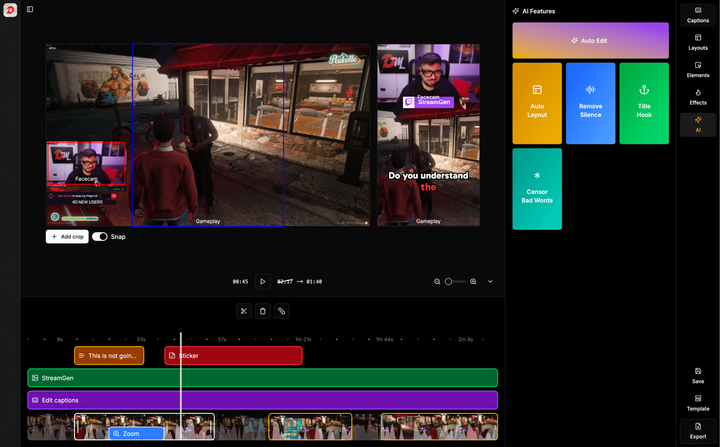
A polished BRB scene protects the viewing experience, but it shouldn’t be the end of your content workflow. StreamGen can analyze VODs, identify moments using gameplay, reactions, chat, and audio signals, reframe clips for vertical feeds, add captions, and schedule distribution to TikTok, YouTube Shorts, and Instagram Reels. That lets the BRB scene handle the live pause while the rest of the broadcast continues working after the stream ends.
StreamGen helps Twitch creators find strong moments in full VODs, edit them with vertical layouts and animated captions, and schedule them directly across TikTok, YouTube Shorts, and Instagram Reels. Try it alongside your new BRB workflow so your broadcast has a polished holding scene live and a consistent short-form publishing queue afterward.
More blog posts