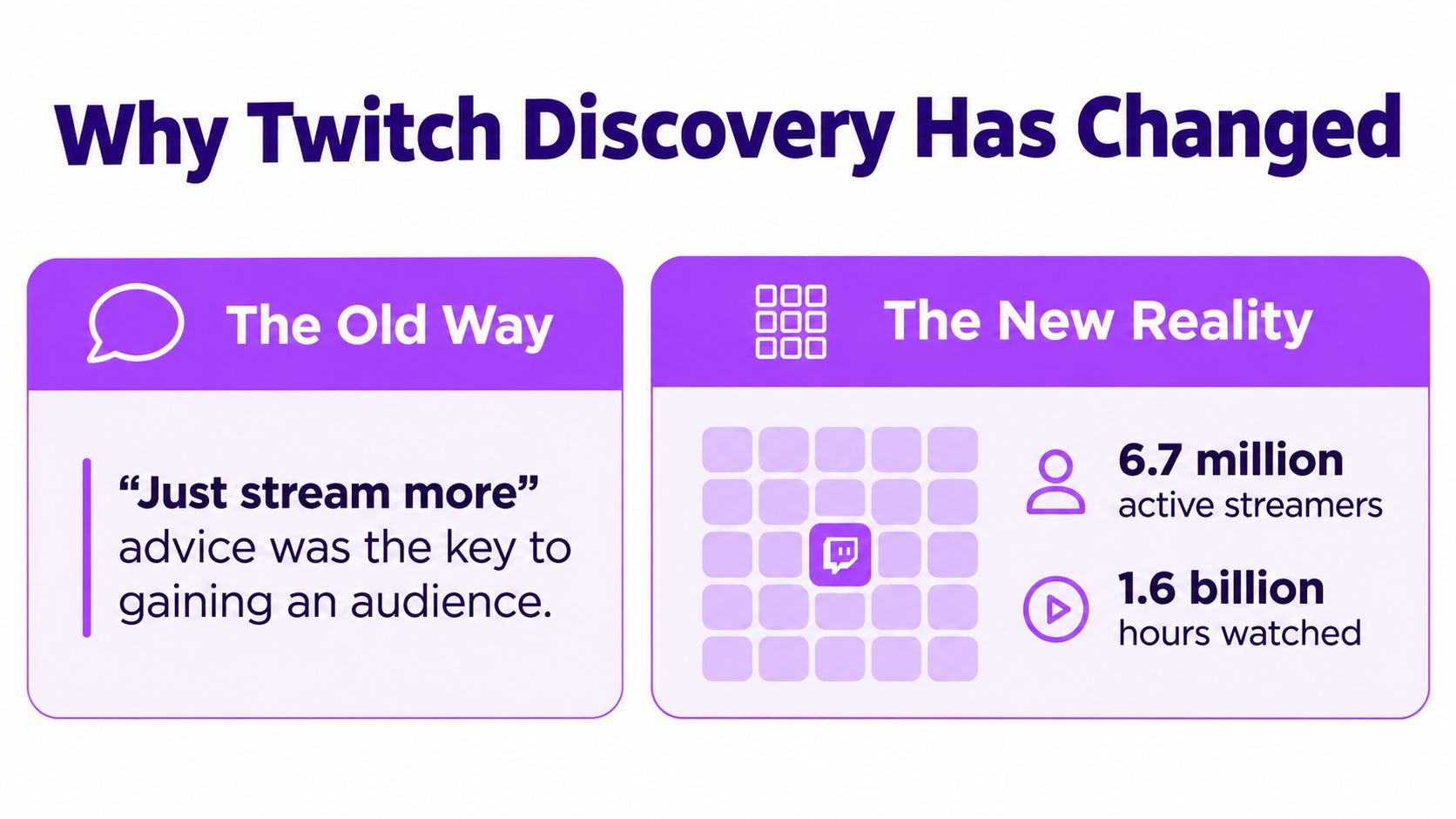
“Just stream more” is the most repeated advice for getting Twitch followers, and it’s also one of the slowest strategies for a new channel. More live hours can improve your practice, but they don’t automatically solve the harder problem, getting discovered by people who aren’t already looking for you.
The practical growth loop is different now: publish a compelling moment where new viewers already spend time, then give them a strong reason to join your live stream and follow. Your broadcast creates the raw material, short-form distribution creates discovery, and your live channel converts that attention into a community.
Table of Contents
- Why Twitch Discovery Has Changed
- Optimizing Your Stream for Better Discovery
- Creating Clips That Actually Spread
- Building a Multi-Platform Distribution Routine
- Converting Viewers Into Loyal Followers
- Your Complete Growth Workflow
Why Twitch Discovery Has Changed
Going live builds the relationship, but it rarely creates enough initial reach for a small channel by itself. The stronger growth path starts with a moment that travels beyond Twitch, then brings interested viewers into your next broadcast.
Twitch Tracker reports approximately 2.02 million average concurrent viewers in September 2026, alongside roughly 6.73 million active streamers in August 2026. The same statistics page reports 1.60 billion hours watched in August 2026. Those figures show both the size of the audience and the competition for its attention. Twitch Tracker’s platform statistics make the trade-off clear: viewers are present, but a live broadcast does not guarantee discovery.
Established channels also begin with a major visibility advantage. TwitchTracker’s August 2026 channel rankings listed Nix at 119,320 average viewers, Dota2TI at 85,305, and KaiCenat at 70,218, according to StreamScheme’s Twitch statistics overview. You do not need comparable numbers. The comparison explains why a large channel can gain followers during one broadcast, while a newer creator usually needs several entry points outside Twitch.
Your VOD is a content reservoir
A VOD contains more than a finished broadcast. Reactions, decisions, mistakes, chat exchanges, surprises, and explanations can each become a separate discovery asset. The practical job is to identify moments that make sense without the full stream and give viewers a reason to find the live version.
The clip-to-live funnel assigns each format a clear role:
- Short-form video earns the initial interruption. A viewer sees the moment while browsing TikTok, YouTube Shorts, or Instagram Reels.
- The profile supplies context. Your handle, bio, pinned content, and recent posts show what kind of creator you are.
- Twitch provides the relationship. The live stream gives viewers a reason to chat, return, and follow.
Analysts at Streams Charts argue that Twitch discoverability depends more on viewer-to-streamer ratios, engagement quality, and content fit than on raw streaming volume. Their analysis also identifies external clips as the funnel’s entry point, with the live stream serving as the conversion stage. The analysis of Twitch’s current discoverability environment supports a better planning question: which moments can attract the right viewers and make them curious about the next broadcast?
Practical rule: Stream to create moments, not merely to accumulate hours.
Optimizing Your Stream for Better Discovery
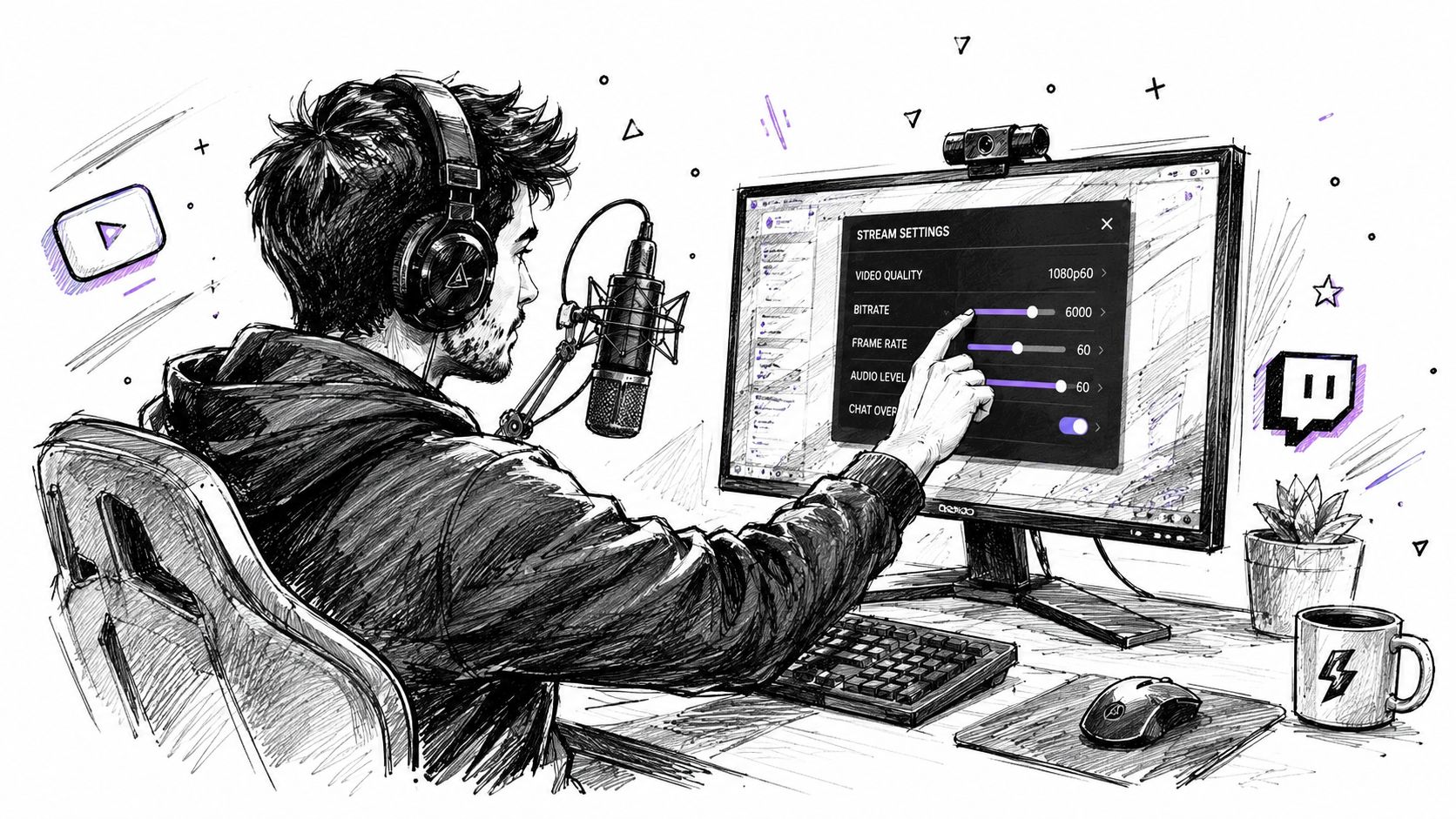
A clip can’t rescue a stream that gives new viewers no clear reason to stay. Before you worry about editing, make the live experience understandable within a few seconds. A visitor should know what you’re doing, what makes the session distinctive, and how to participate.
Start with category and format. Choose a niche where your content can be recognized quickly, whether that means a particular game challenge, educational gameplay, speedrunning, commentary, or a repeatable Just Chatting theme. Broad categories can offer more total interest, but they also place you beside more established channels. Smaller categories may offer a clearer path to being seen, although the audience ceiling and viewer intent can differ.
Recent analysis indicates that content fit and engagement quality matter more than streaming volume alone, so test categories and time slots based on the quality of conversations and the relevance of incoming viewers, not just the number of people listed in a category. Streams Charts’ data-based discussion of Twitch discoverability is useful context for making that decision.
Make the promise specific
A generic title such as “Chill Stream Tonight” forces the viewer to do the work. A useful title creates a clear premise:
- Challenge: “Can I finish this run without healing?”
- Experiment: “Testing the risky build everyone avoids”
- Viewer involvement: “Chat chooses every upgrade”
- Narrative: “From beginner rank to a clean win”
Don’t promise an outcome you can’t deliver. Clickbait may earn a visit, but the mismatch damages retention and gives you weak material for future clips. Your title should describe the actual tension, decision, or objective taking place on stream.
Use your visual identity consistently across your channel, VOD thumbnails, and short-form posts. The goal isn’t elaborate design. It’s recognition. A viewer who sees a clip today should be able to identify your profile tomorrow.
Build moments into the broadcast
Narrate decisions instead of just playing. Ask questions that invite an answer rather than filler prompts. Set up small stakes that create a beginning, middle, and result. When something notable happens, acknowledge it clearly so the moment has enough audio and conversational context to survive outside the broadcast.
Search principles can help with titles, descriptions, and discoverability across video platforms. For a practical reference on using SEO in video, focus on matching the wording of your hook to the question or curiosity your clip answers.
A pre-stream checklist should include:
- Confirm the stream’s category matches the content.
- Write a title around one clear premise.
- Prepare a topic, challenge, or viewer decision that can produce interaction.
- Check that your microphone and facecam are easy to understand.
- Keep a note of moments worth reviewing after the broadcast.
Creating Clips That Actually Spread
The best clip isn’t necessarily your most technically impressive play. It’s the moment a stranger can understand quickly and feel compelled to share.
Look for four signals while reviewing a VOD: surprise, skill, personality, and participation. A surprising failure can outperform a polished win because the emotional turn is immediate. A difficult play works when viewers understand the risk. A funny chat exchange works when the context is brief. A community decision works when the viewer feels invited into the situation.
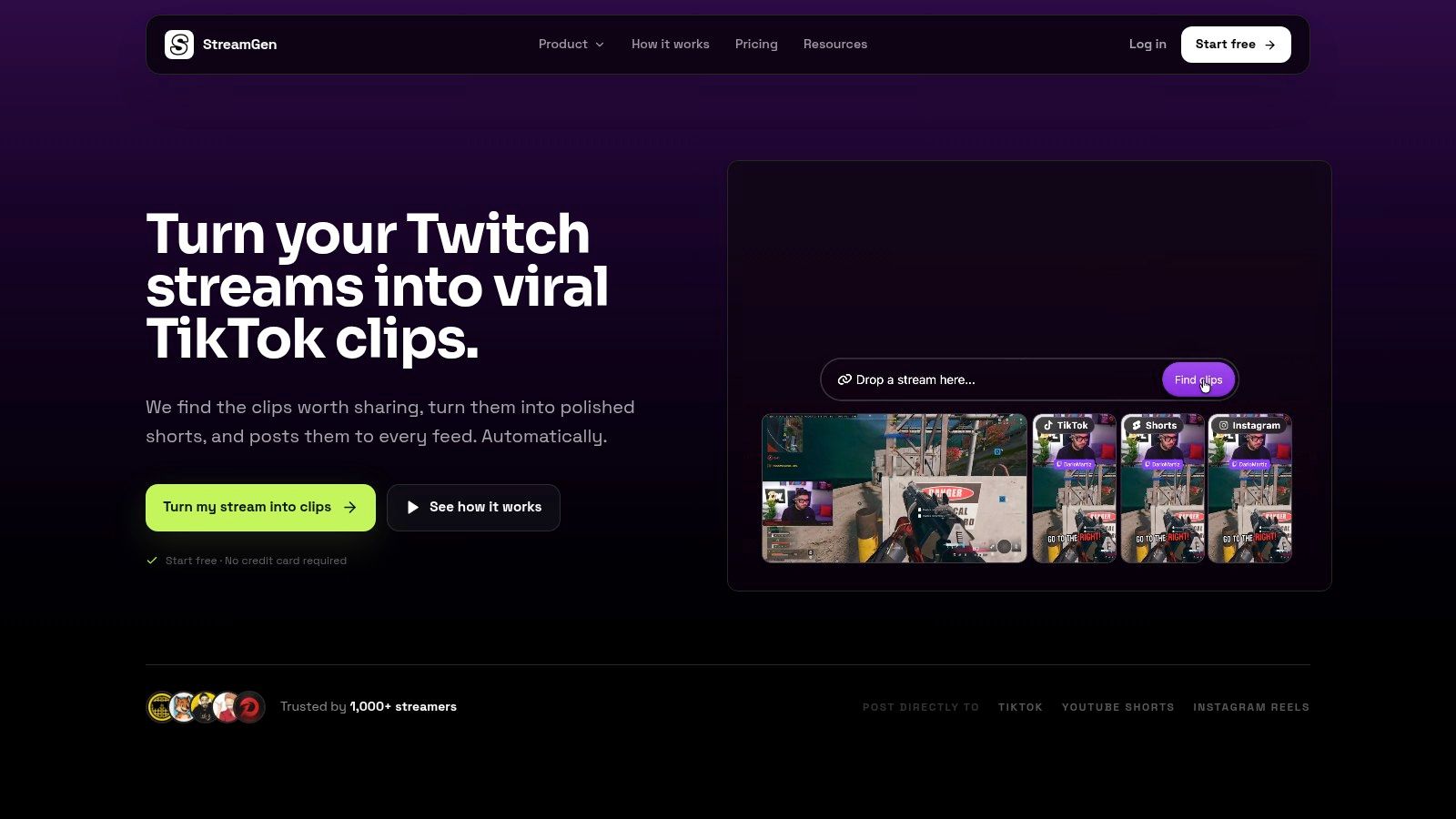
Reviewing long VODs manually can become the bottleneck. An AI clip finder such as an AI video clipper for Twitch VODs can help surface candidate moments by examining gameplay, reactions, chat activity, and audio signals. You still need editorial judgment. Automation should narrow the search, not decide what represents your channel.
Edit for a viewer who doesn’t know you
Start with the most compelling beat, not a long greeting or setup. If the viewer needs context, add it through a short caption or a quick opening line. Remove dead air, loading screens, menu navigation, and repeated explanations unless they contribute to the joke or tension.
Vertical reframing deserves deliberate attention. Keep the facecam visible when the reaction matters, but don’t let it cover the gameplay detail that explains the moment. Captions should follow the speaker’s rhythm, remain readable against the background, and emphasize the words that carry the emotional turn.
A weak version might begin with several seconds of silence, show the key action in a small horizontal frame, and reveal the reaction too late. A stronger version opens on the reaction or imminent danger, keeps the relevant action large, and uses captions to guide the viewer through the payoff.
The largest Twitch channels demonstrate why distribution matters. The high average-viewer figures for Nix and KaiCenat reported in StreamScheme’s Twitch statistics overview illustrate the disproportionate reach created when moments travel beyond a single live session. You don’t need their scale to apply the principle. You need clips that make sense to people who weren’t in chat.
Lead into the finished clip with a sentence that explains the editorial choice:
Before exporting, check the first seconds, caption contrast, crop, audio levels, and final call to action. “Live on Twitch” is weaker than a specific invitation such as “I’m testing the next run live tonight.” Give the viewer a reason to move now.
Building a Multi-Platform Distribution Routine
Posting one clip once is a test. Building a repeatable publishing queue is a growth system.
The same source moment can work across TikTok, YouTube Shorts, and Instagram Reels, but it shouldn’t be copied without thought. Adjust the opening, crop, caption density, description, and call to action for each feed. A raw reaction may suit one platform, while another may benefit from clearer context and tighter pacing.
Use a queue instead of relying on motivation
A sustainable routine separates production from publishing. After each stream, mark candidate moments, edit the strongest ones, and place finished clips into a calendar. Scheduling prevents a common failure pattern: publishing intensely after an exciting broadcast, then disappearing when the next stream becomes busy.
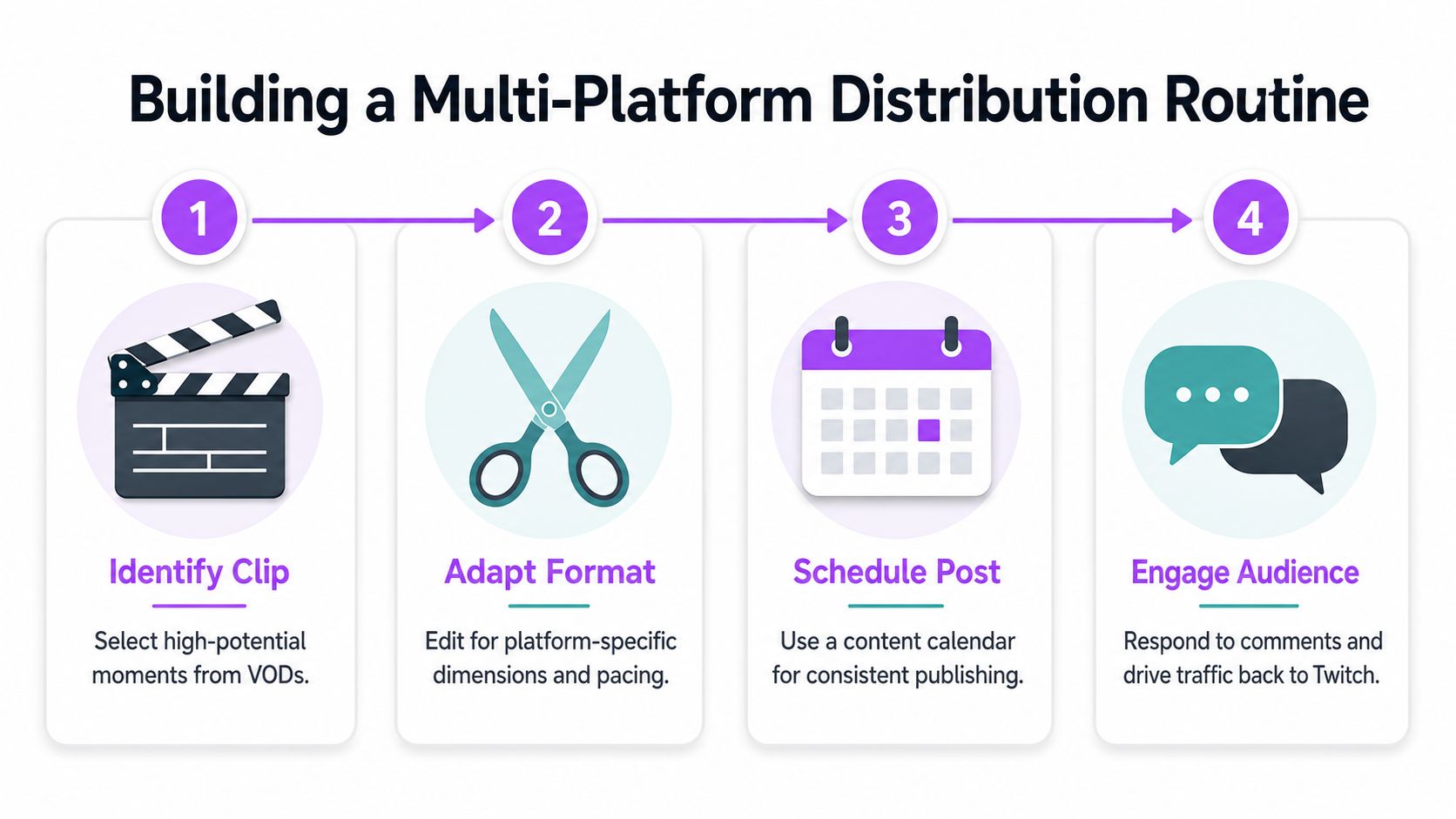
A practical workflow looks like this:
- Identify the moment: Select clips with an obvious emotional or narrative turn.
- Adapt the frame: Reformat the video so the facecam, gameplay, and captions remain legible.
- Schedule the post: Build a queue rather than deciding what to publish minutes before going live.
- Engage afterward: Reply to useful comments, notice recurring questions, and direct interested viewers toward the next Twitch session.
You can reuse a moment without making every post feel identical. Change the opening text, choose a different section of the exchange, or publish the full reaction on one platform and the setup on another. Avoid adding unrelated trends that distract from the clip’s actual appeal.
A scheduling tool such as StreamGen’s social auto-posting workflow can centralize publishing across supported short-form platforms. The tool doesn’t replace your judgment about which moments fit your audience. It reduces the context switching that makes a good routine difficult to maintain.
Track useful signals rather than chasing every view. Look for comments that ask when you’re live, profile visits that follow a clip, returning viewers, and follows attributed to specific content. If a clip gets attention but no one visits your Twitch channel, the bridge needs work. If people arrive but leave immediately, improve the opening live experience or align the clip’s promise more closely with the stream.
Converting Viewers Into Loyal Followers
A clip earns attention, but your live channel earns the follow. Conversion starts before a new viewer says anything. The stream title, category, profile panels, schedule, and current activity should all answer the same question: why should this person return?
When someone arrives from a clip, don’t bury the premise under unrelated conversation. Explain what’s happening in the current session, acknowledge new chatters naturally, and offer a low-pressure way to participate. A viewer who can make a decision, suggest an approach, or influence the next attempt has a stronger reason to stay than someone watching a closed performance.
Compare slow growth with distribution-led growth
Use your weekly follower change as a diagnostic, not a judgment. A practical benchmark places 5 to 20 new followers per week within a normal range for a new channel that streams consistently but has limited off-platform promotion. 50 to 100 or more per week is typically associated with viral clips or strong TikTok and YouTube Shorts distribution, as described by the Creator Toolbelt follower growth projector.
| Pattern | Likely interpretation | Next move |
|---|---|---|
| Low weekly growth with regular streams | Live consistency isn’t creating enough discovery | Increase the number of strong clip tests |
| Sudden follower spike from one post | A topic, hook, or reaction resonated | Identify the exact shareable element and repeat the format |
| Profile visits without follows | The channel promise is unclear | Improve the title, panels, schedule, and first live interaction |
| Follows without returning viewers | The conversion moment works, but retention doesn’t | Create recurring segments and predictable sessions |
Don’t ask every viewer for a follow every few minutes. Instead, connect the follow to a concrete continuation: the next attempt, a recurring challenge, or a community decision that happens during the next broadcast. New followers need a reason to come back, not just a reminder that the button exists.
Community habits compound. Give recurring viewers names, remember their preferences, celebrate useful contributions, and let inside jokes develop from real interactions. A focused guide to building a Twitch community can help turn isolated chat activity into a structure that survives between streams.
The key trade-off is reach versus retention. Clips broaden the top of the funnel, but a channel that feels confusing, silent, or irregular will lose the benefit of that attention. Measure both new follows and returning participation.
Your Complete Growth Workflow
A reliable Twitch follower system has five connected parts:
- Design the broadcast: Choose a clear niche, category, title, and viewer-facing premise.
- Create usable raw material: Narrate decisions, invite participation, and make the important reactions audible.
- Select and edit moments: Review VODs for surprise, skill, personality, and chat-driven tension.
- Distribute deliberately: Reframe clips for vertical feeds, schedule a queue, and adapt the hook to each platform.
- Convert and retain: Make the live channel easy to understand, acknowledge arrivals, and give followers a reason to return.
Review the system when results stall. Low clip engagement usually points to a weak opening, unclear context, or an uninteresting moment. Inconsistent publishing usually means the workflow depends on manual effort at the wrong time. A follower spike followed by silence usually means the clip promise and live experience don’t match.
Keep a simple record for each published clip: the source moment, opening hook, platform, audience response, profile activity, and resulting Twitch follows. This turns random posting into an editorial feedback loop. For creators who also need help organizing their broader presence, a Sarra Pro influencer toolkit can provide useful planning context alongside the Twitch-specific workflow.
The central priority is straightforward. Don’t add live hours until you know what those hours are producing. Improve the moments, package them for discovery, publish consistently, and make the live destination worth revisiting.
StreamGen helps Twitch creators find high-potential moments in VODs, turn them into vertical clips with captions and smart reframing, and schedule distribution to TikTok, YouTube Shorts, and Instagram Reels. Visit StreamGen to build a clip-to-live workflow that keeps working while you’re streaming.
More blog posts