The better, cheaper
Saved.gg alternative
Reliable AI Clipping, Realtime AI Clip Editor and Post
Scheduler.
All for $9.99/month. Half the price, twice
the features.



You are in good company
Top streamers already use StreamGen to
automatically make clips and instantly
edit them into
viral shorts.
I've had a fantastic experience with StreamGen! I've been using it for a while now, and all my clips were made with it.
Super handy, in just a few minutes I have shorts ready to publish. A must have for every content creator!


I immediately fell in love with StreamGen. It saves you a lot of time while producing dozens of clips ready to use on all socials!

I’ve tried other tools and none of them have performed as well as StreamGen. It has made being a Twitch streamer and working a full time job possible! Now I review the highlights it caught, make any edits I wish, and then upload to my TikTok and YouTube!

It has everything I need in one place. It finds the best moments from my streams, adds captions, removes silences and even censors words when I need it to. I love how easy it is to format clips for TikTok and YouTube Shorts. Instead of spending hours editing, I can focus on streaming while StreamGen handles the rest.
Between a full time job and streaming I barely have any time to create short content to upload on other platforms. StreamGen helped me out by increasing the number of quality shorts I can produce every week! The short editor is my favorite tool.

Tired of Saved.gg's lack of updates and broken AI clipping? You're not alone. Waiting hours to find some clips is frustrating and a waste of time. Plus, why pay $19.99 when you can get more for less?
Switch to StreamGen. The modern, feature-rich Saved.gg alternative.
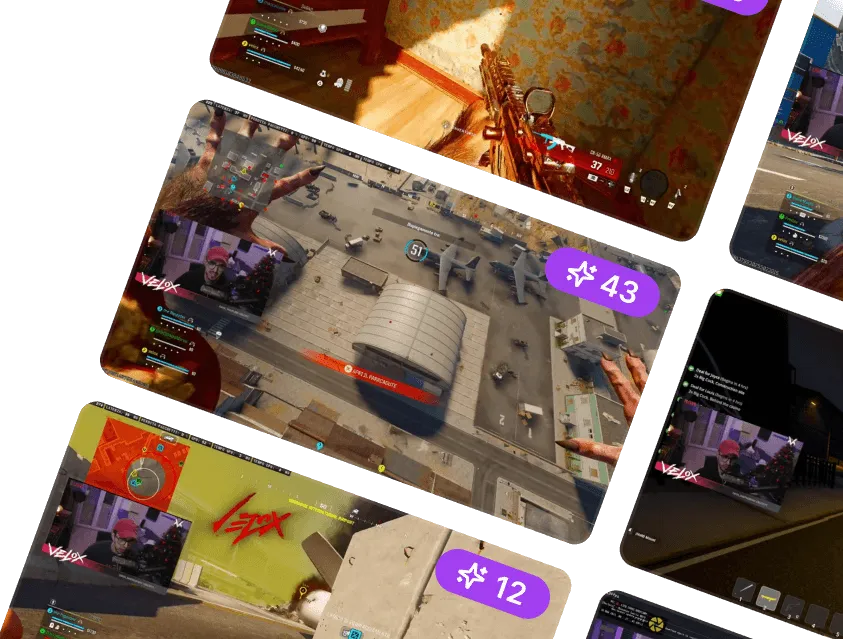
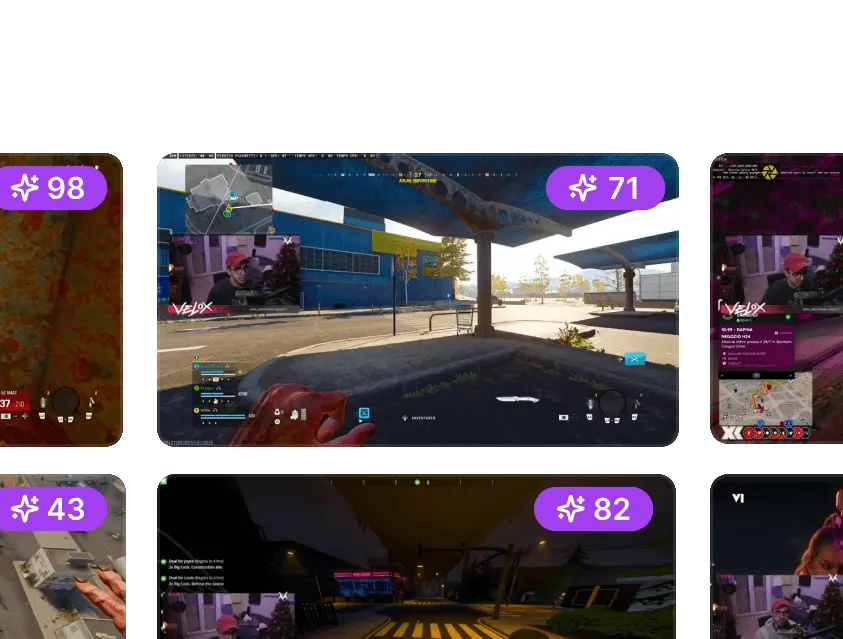
AI Twitch Clip Generator
Affordable and reliable AI clipping from your Twitch streams.
AI VOD Editor
Edit Twitch streams into edited DaVinci Resolve and Adobe Premiere Pro projects.


Realtime Clip Editor
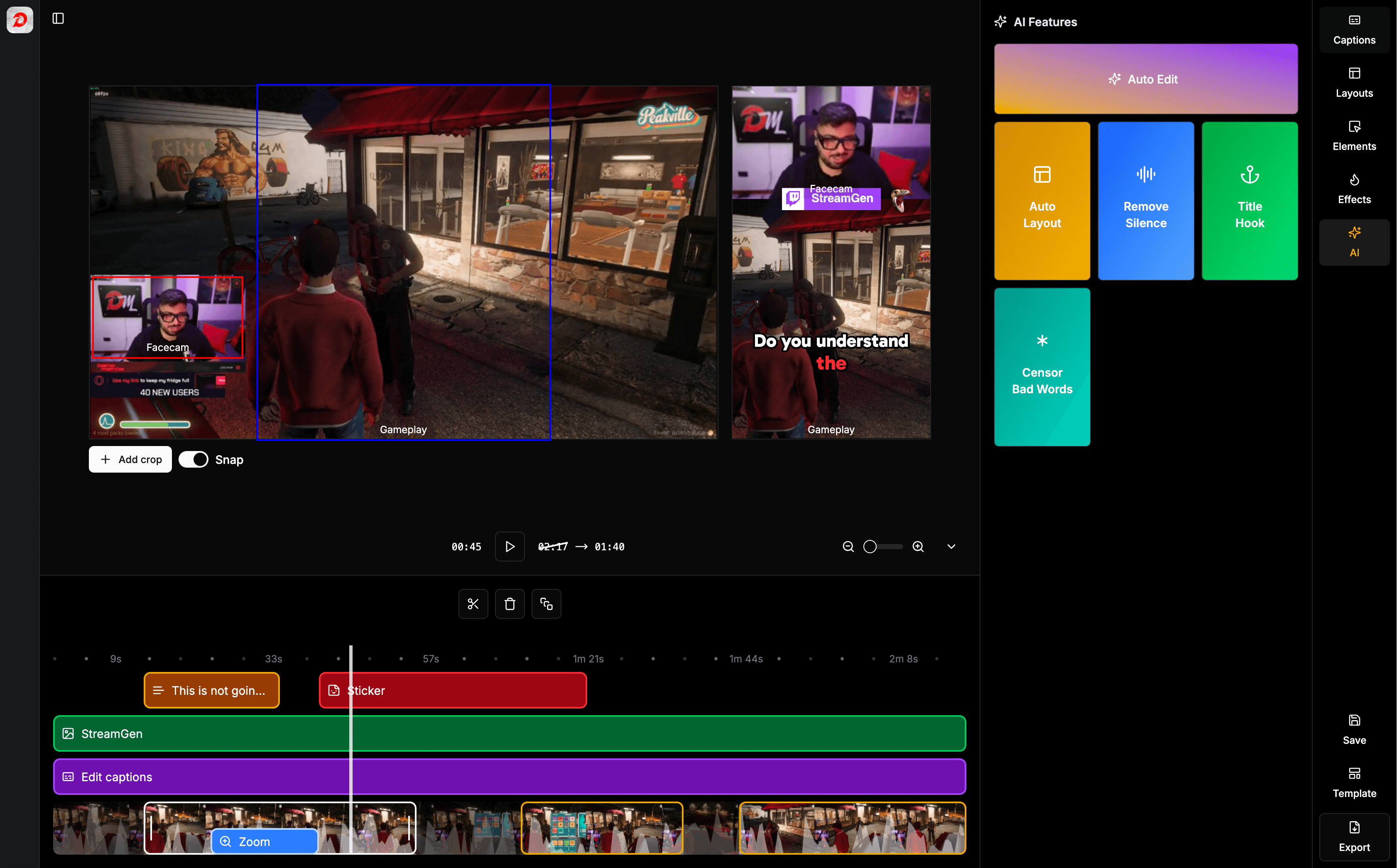
Edit clips into vertical shorts instantly. No waiting for re-renders.
Advanced Editing Features
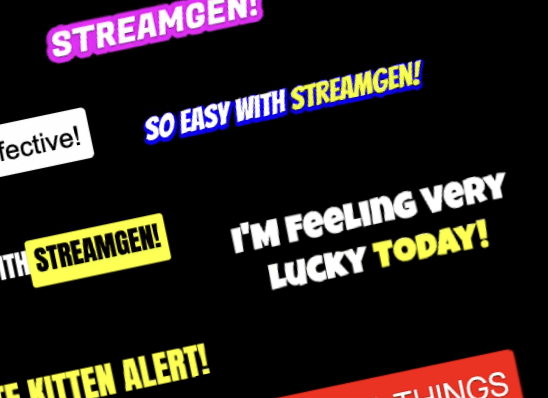
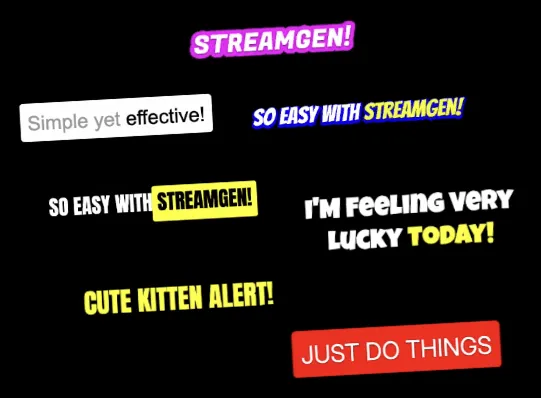
Add overlays, stickers, gifs, animations, music, and much more! Play with infinite caption styles or automate editing with powerful AI features.
Schedule your clips
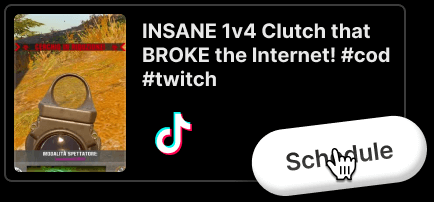
Connect your TikTok and YouTube accounts to schedule your clips across both platforms.
AI-Powered Clip Editing
Supercharge your editing with automated captions, intelligent silence removal, and best-of content compilations.
Don't settle for a basic editor.
Edit clips at lightning speed, simply.
Why pay double for less?
The superior choice
StreamGen
Plus
$9.99/month
Best Value
Saved.gg
Premium
$19.99/month
StreamGen
Plus
$9.99/month
Best Value
Saved.gg Premium
FAQ
Frequently Asked Questions
What is StreamGen?
StreamGen is an AI-powered clip generator and clip editing platform for streamers. It automatically finds viral moments from Twitch streams and transforms them into engaging YouTube Shorts, TikTok videos, and social media content.
What's different than StreamLadder?
With StreamGen you get AI Clipping, Clip Editing and
Post Scheduling. All from €5.49/month. Simple as that.
StreamLadder has weaker and much more expensive clipping technology
(+€50/month!) and all the good AI features from their clip editor
are locked behind their most expensive tiers (€15/month). Here's the comparison.
How does the AI clip generator work?
Our models look at your chat and
audio to find clip worthy moments.
With Ultimate, you can tweak our clipping engine by
describing what makes your clips funny and engaging. This will
result in even better clips tailored to your specific
preferences! Learn more on how the ai clip generator works.
What type of streams are supported for clipping?
Any type of stream is supported: gaming, just chatting, roleplaying, playthrough...
Does StreamGen support censoring words in clips?
Yes, you can censor words from captions or audio. You can do it manually or automatically with our AI Word Cernsoring model.
Can I customize my captions?
Yes, you can customize captions as you want. Our clip editor is complete and powerful, we have dozens of predefined styles and effects, but you can change anything you like! Check all the features of our clip editor.
Is StreamGen free?
Yes, there is a generous free version of StreamGen that offers almost all the features with lower limits. Check out our pricing page to know more about the available plans.
Can I import clips manually?
Yes, you can directly import Twitch clips or video files. You can even create manual clips from your Twitch broadcasts directly within StreamGen.
How do I edit Twitch clips for TikTok?
You can easily edit Twitch clips for TikTok with StreamGen. Simply paste your clip URL or connect your Twitch account, and our AI will help you convert it into a vertical video with captions in seconds. Check out our Twitch Clip Editor for TikTok.
What is an AI stream clipper?
An AI stream clipper is a tool that uses artificial intelligence to automatically scan your stream replays (VODs) and identify funny, exciting, or important moments. It then creates clips for you, saving you hours of manual searching. StreamGen is the ultimate automatic clip maker for Twitch.
How to automatically cut boring parts from a Twitch VOD?
You can use StreamGen's AI VOD Editor. It automatically analyzes your stream and removes silence, loading screens, and menu navigation, leaving you with an engaging video ready to be edited in Premiere Pro or DaVinci Resolve.
If you’re relying on Saved.gg for your content, you're missing out
on key features and paying double.
Switch to StreamGen for a constantly updated, feature-rich
platform that costs less.
Join the winning team.
Find and post your first clips today!
Get Started Now