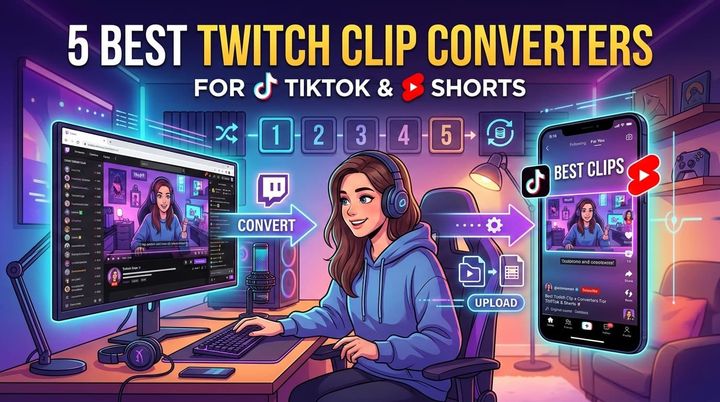
TikTok is one of the best ways to grow your Twitch stream. But taking your horizontal (16:9) Twitch clips and posting them directly to TikTok doesn’t look professional. You need to turn your video to TikTok format (9:16) to get the best results.
What is the TikTok Format?
The ideal TikTok format is:
- Aspect Ratio: 9:16 (Vertical)
- Resolution: 1080x1920 pixels
- Length: Up to 10 minutes (though 15-60 seconds performs best for viral growth)
How to Convert Twitch Clips to TikTok Format
There are two main ways to do this:
1. Manual Editing (Premier Pro / DaVinci Resolve)
If you’re a video editor, you can:
- Create a new sequence with 1080x1920 settings.
- Import your Twitch clip.
- Duplicate the video layer.
- Scale the background layer to fill the screen and add a blur effect.
- Center your camera and gameplay on the top layer.
This gives you total control but takes a lot of time for every single clip.
2. The Easy Way: Using StreamGen
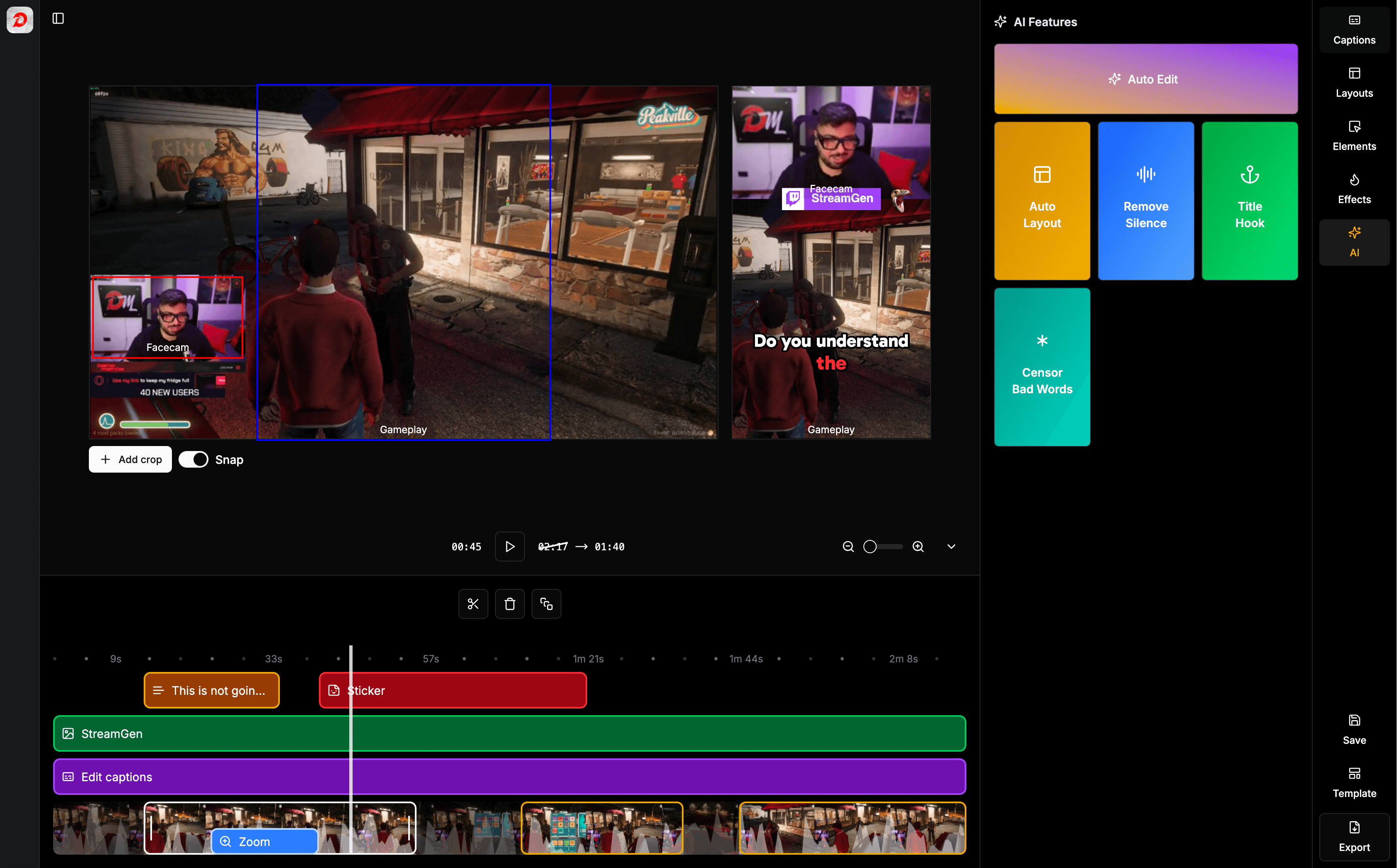
StreamGen is designed specifically to turn Twitch clips into TikToks automatically.
- Paste your Clip URL: Just grab the link from Twitch.
- AI Auto Layout: StreamGen automatically detects your facecam and gameplay.
- Add Captions: One-click AI subtitles to keep viewers engaged.
- Download & Share: Get your perfectly formatted 9:16 video instantly.
Why Format Matters
TikTok’s algorithm favors content that fills the screen. Black bars or small videos look low-quality and are often scrolled past. By optimizing your aspect ratio, you increase watch time, engagement, and the chance of going viral.
Start Converting Today
Don’t let your best gaming moments die in your VODs. Use a dedicated tool to turn your videos to TikTok format and reach a wider audience.
Try StreamGen for free and streamline your content creation workflow.
More blog posts