Publish Date
Growing on TikTok is expensive if you’re hiring editors. And editing yourself takes hours. You need a free TikTok video editor that understands gaming content.
Why General Video Editors aren’t Enough
Standard mobile apps (like CapCut) or desktop software (Premiere) are great, but they are generic. For gaming, you have specific needs:
- You need to keep the gameplay visible.
- You need to keep the facecam visible.
- You need to stack them vertically.
Doing this manually involves cropping, resizing, and sinking layers.
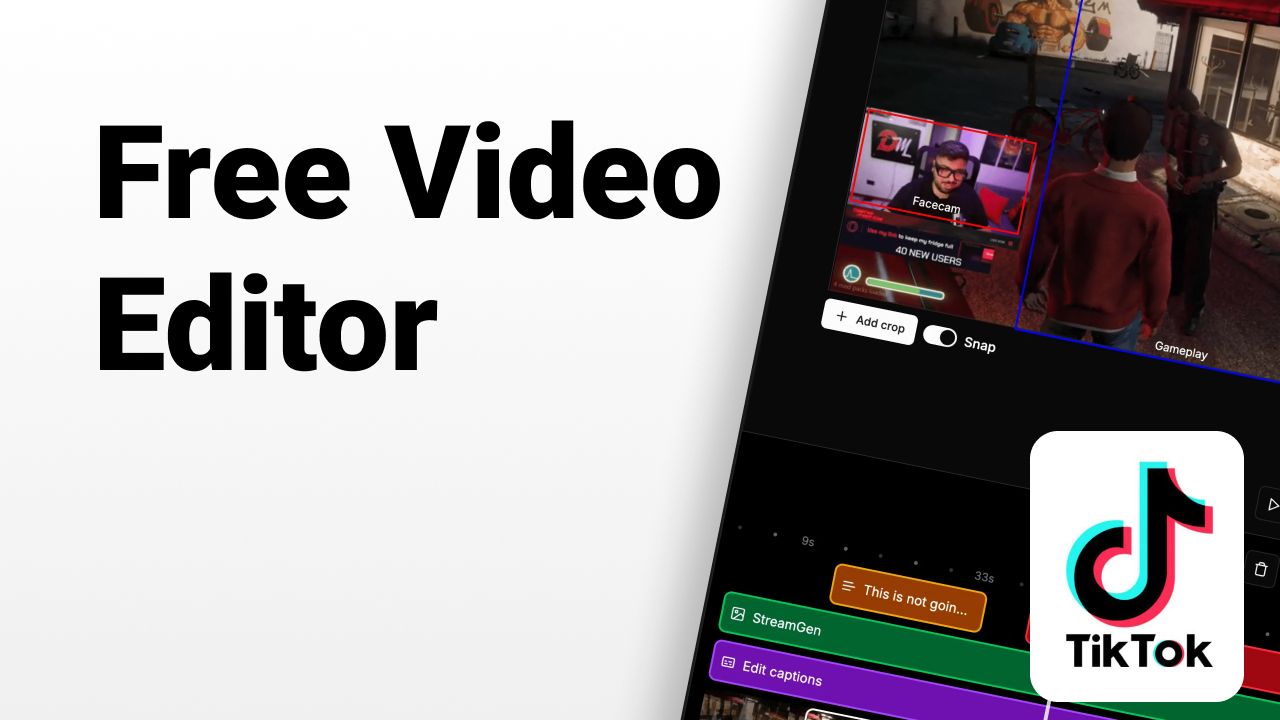
Introducing StreamGen: The Specialized Free Editor
StreamGen offers a free tier specifically for streamers. It’s not just a video editor; it’s a Twitch-to-TikTok engine.
Key Features:
- Vertical Formatting: Automatically converts 16:9 to 9:16.
- AI Layout: Instantly finds your facecam, no manual cropping needed.
- Direct Twitch Import: No need to download and re-upload large files.
- Basic Captions: Add text to your video to grab attention.
How to Edit for Free
- Create a free account on StreamGen.
- Paste your Twitch clip URL.
- Select a template (e.g., Split Screen).
- Export your video.
Upgrade for Power Features
While the free video editor gets you started, StreamGen’s premium plans unlock:
- AI Auto-Clip Finding: Let AI watch your stream for you.
- Animated AI Captions: Like the ones you see on top viral clips.
- High-Res Downloads: Crisp 1080p/60fps quality.
Start growing your channel today without breaking the bank!
More blog posts