As a Twitch streamer in 2025, you know that growth doesn’t just happen on Twitch. To build a massive following, you need to be where the attention is: TikTok, YouTube Shorts, and Instagram Reels.
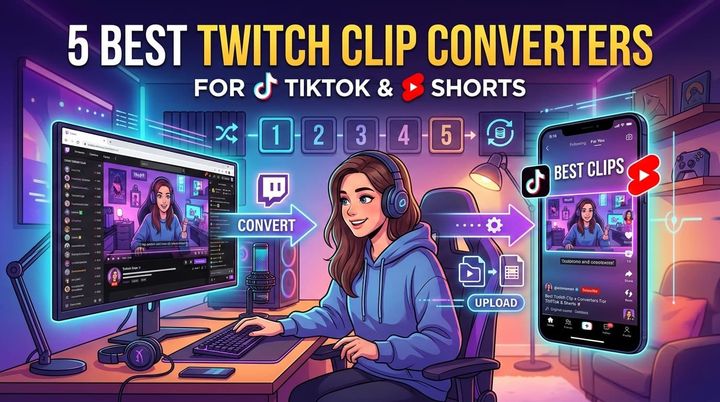
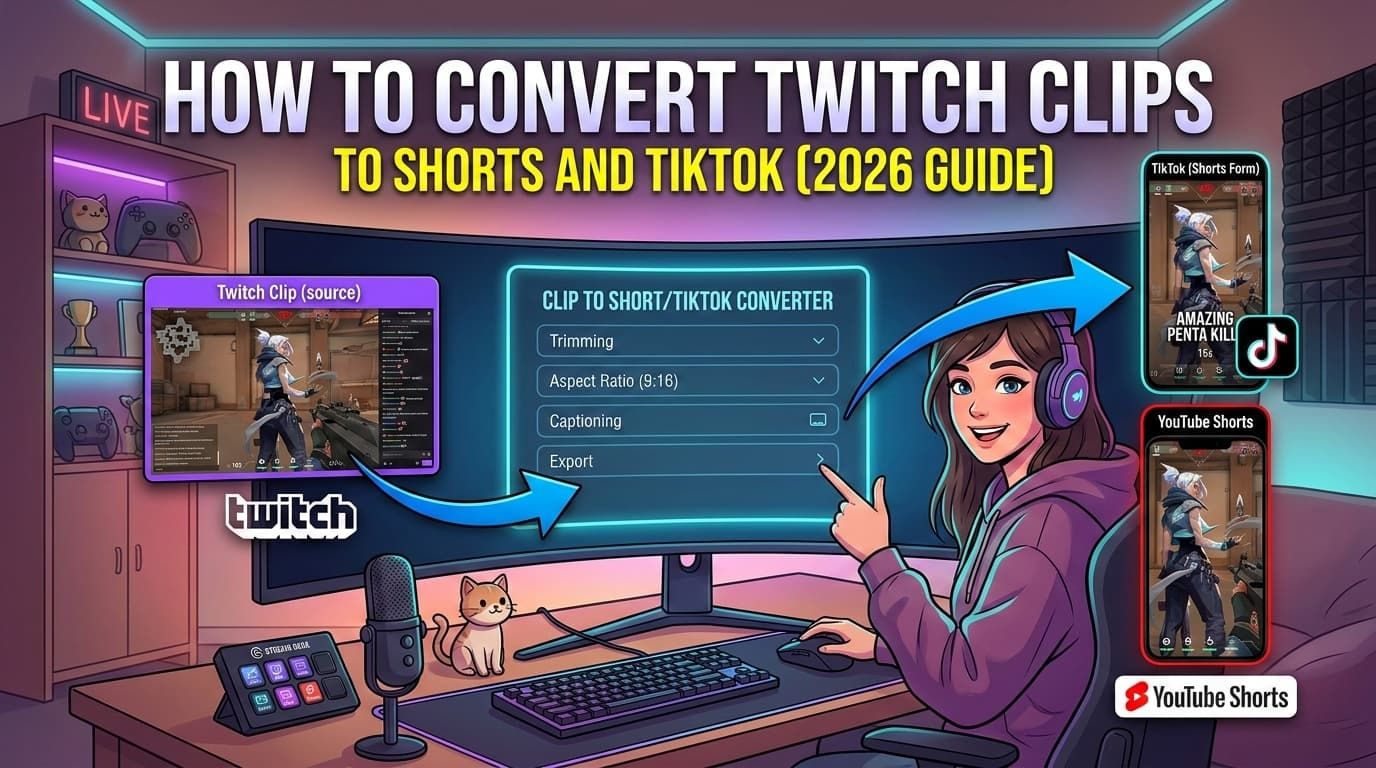
But here’s the problem: Twitch content is horizontal (16:9), and short-form video platforms demand vertical content (9:16). Simply uploading a raw clip often results in a poor viewing experience, with tiny gameplay and hard-to-read text.
In this guide, we’ll walk you through the 3 effective methods to convert your Twitch clips into high-quality vertical videos that are ready to go viral.
Why You Need to Repurpose Your Clips
Before we dive into the “how,” let’s briefly touch on the “why.”
- Discoverability: TikTok and Shorts have recommendation algorithms that can push your content to millions of new viewers overnight. Twitch’s discovery mechanisms are far more limited.
- Funneling Traffic: A viral TikTok can drive thousands of people to your live stream.
- Monetization: Short-form content platforms offer their own monetization programs, adding a new revenue stream.
Method 1: The Native Twitch Mobile App (Free but Basic)
Twitch has realized the importance of vertical video and added a basic editor to their mobile app.
How to do it:
- Open the Twitch app on your phone.
- Go to your Creator Dashboard.
- Navigate to the Content -> Clips section.
- Select a clip and tap on the Edit & Share icon.
- Choose the “Split” layout (Facecam top, Gameplay bottom).
- Share directly to TikTok or YouTube Shorts.
Pros:
- Completely free.
- No third-party apps needed.
Cons:
- Very limited customization: You can’t add engaging captions, stickers, or custom overlays.
- No Auto-Captions: In 2025, captions are essential for retention. The native tool doesn’t provide them.
- Quality: Often compresses the video significantly.
Method 2: Professional Editing Software (High Quality but Slow)
If you’re a perfectionist, you might prefer using tools like Adobe Premiere Pro or DaVinci Resolve.
How to do it:
- Download your clip from Twitch.
- Import it into your editing software.
- Set your sequence settings to 1080x1920 (Vertical).
- Duplicate your video layer. Stack them on top of each other.
- Crop the top layer for your facecam and the bottom for gameplay.
- Manually add subtitles word-by-word.
- Export and transfer to your phone to upload.
Pros:
- Unlimited creative control.
- Highest possible video quality.
Cons:
- Extremely time-consuming: Editing a single clip can take 30-60 minutes.
- Learning curve: These tools are complex and hard to learn.
- Cost: Premiere Pro requires a monthly subscription.
Method 3: AI-Powered Clip Converters (Fast, High Quality & Viral-Ready)
This is the sweet spot for 99% of streamers. AI tools allow you to get professional results in seconds, not hours.
Tools like StreamGen utilize artificial intelligence to:
- Automatically detect your facecam and gameplay.
- Generate accurate subtitles in multiple languages.
- Add “hook” titles to grab attention instantly.
- Remove silence to keep the pace fast.
Converting Clips with StreamGen
Here is how simple it is to convert a clip using StreamGen:
- Copy & Paste: Just paste your Twitch clip URL into the dashboard.
- AI Analysis: The AI instantly identifies the best layout.
- Customize: Choose from dozens of caption styles (like the ones used by top creators like Alex Hormozi or MrBeast).
- Edit: Use the intuitive editor to add stickers, gifs, or focus on specific moments.
- Schedule or Download: Post directly to TikTok/YouTube or potential schedule it for peak times.
Why it’s better:
- Speed: Go from Twitch URL to posted TikTok in under 2 minutes.
- Engagement: Built-in features like auto-captions and silence removal are proven to increase watch time.
- Cost-Effective: Much cheaper than hiring an editor and saves you hours of work.
Conclusion
If you are serious about growing your stream, you cannot ignore short-form content. While the native Twitch app is a good starting point, it lacks the features needed to truly stand out. Professional software is great but takes too much time away from streaming.
AI Converters like StreamGen offer the perfect balance of speed, quality, and viral potential.
Ready to skyrocket your growth? Try StreamGen for free today and turn your best moments into your next viral hit.
More blog posts